EN
204
Recording mode
PHOTO RECORDING MODE
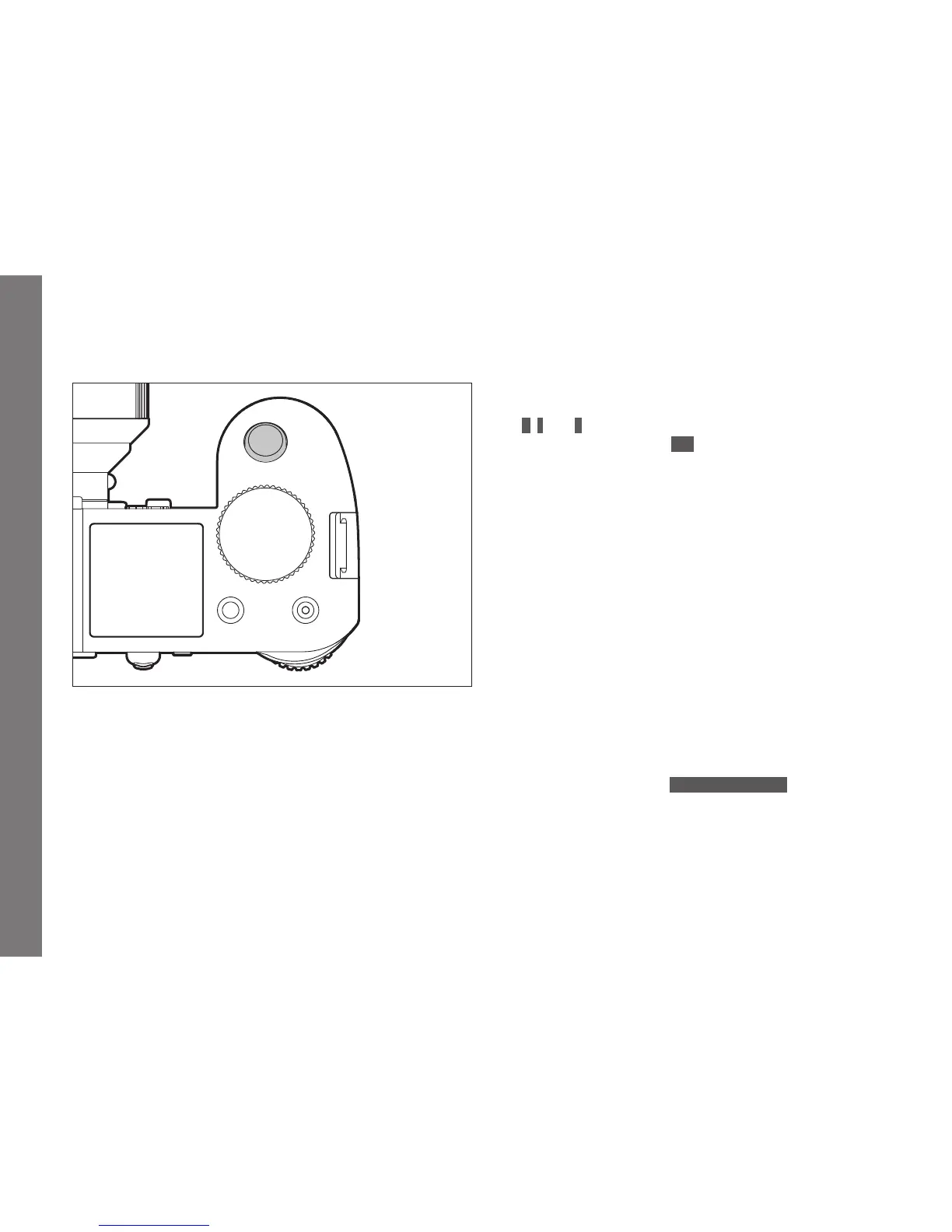
THE SHUTTER RELEASE BUTTON
The shutter release button works in two stages:
1. When the camera is in stand-by mode (see p.
188
), briefl y
tapping / lightly pressing it activates the viewfi nder, monitor, and
top panel displays as well as both automatic distance setting /
Autofocus (if set) and exposure metering and control by saving the
metered exposure value for spot and center-weighted metering in
A, T, and P modes (seep.220/221).
When using autofocus in AFs mode (see p. 208) the focus
setting is saved at the same time.
Letting go of the button enables new measurements to be
carried out.
Notes:
• If review mode was previously set (see p. 242), tapping the
button switches the camera back to recording mode, if it
was previously in standby mode (see p. 188), it is
reactivated, i.e. metering systems and displays are turned
on.
• The shutter release button is locked
– if the internal buff er memory is temporarily full, e.g. after
a series of pictures (also applies if no memory card is
inserted), or
– if the memory card(s) inserted is/are full.
• As an alternative to the shutter release button, the joystick
can also be used to save exposure and automatic focusing
settings (provided the
AE/AF Lock Button function is set
accordingly.
2. Pressing the button all the way down takes a picture, or starts
any preselected self-timer delay time, or starts a preselected
bracketing or interval series (see p. 240/226/238).
SL_EN.indd 204 16.09.2015 15:04:30



 To Next Page