Measuring
22
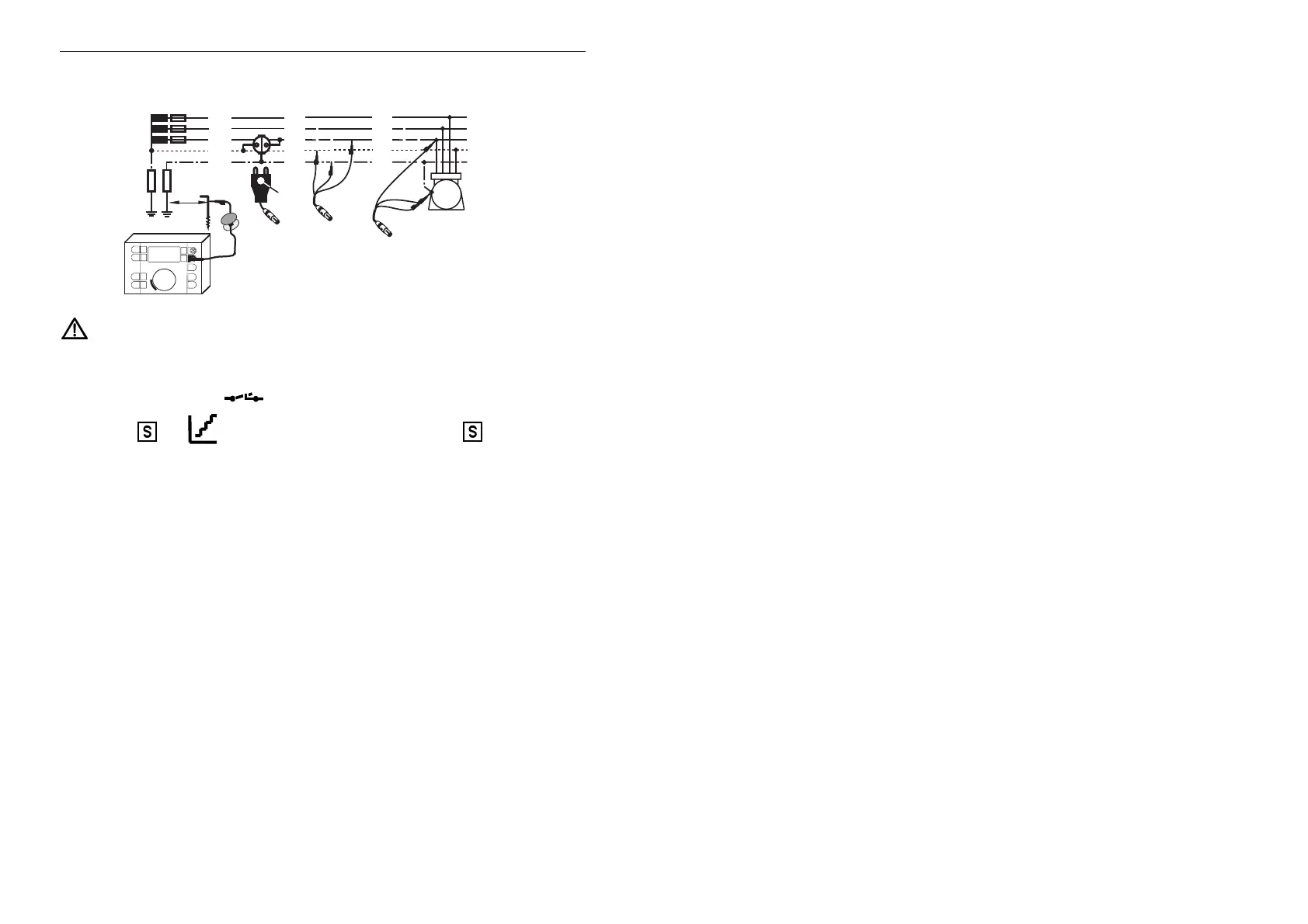
Measuring Process:
RB
> 20m
L
1
= brown
L
2
= black
L
3
= purple
Instrument
Marker
L3
L1
L2
L
2
L
1
L
3
N
P
E
(PEN)
L3
L1
L2
Instrument
Instrument
M
Connection for use with a probe
Probe
FI
RA
Observe overload capacity and connect instrument as shown.
Turn central selector to the desired nominal fault current I
DN
within function
„RCD“. The mains voltage „U
L-PE
“ is now displayed (see also section 3.6)..
If desired, press key
T „ “ for measurement without tripping.
Press key „
, x5,
„ if you want to measure with 2x I
∆N
, 5x I
∆N
or with
increasing test current. The corresponding symbols will be displayed!
Press key R
RR
R „Start“.



 To Next Page