www.we-are-digital.co.uk | info@we-are-digital.co.uk | +44 (0) 3333 444019
12
Lenovo Tab E10: First Time Setup
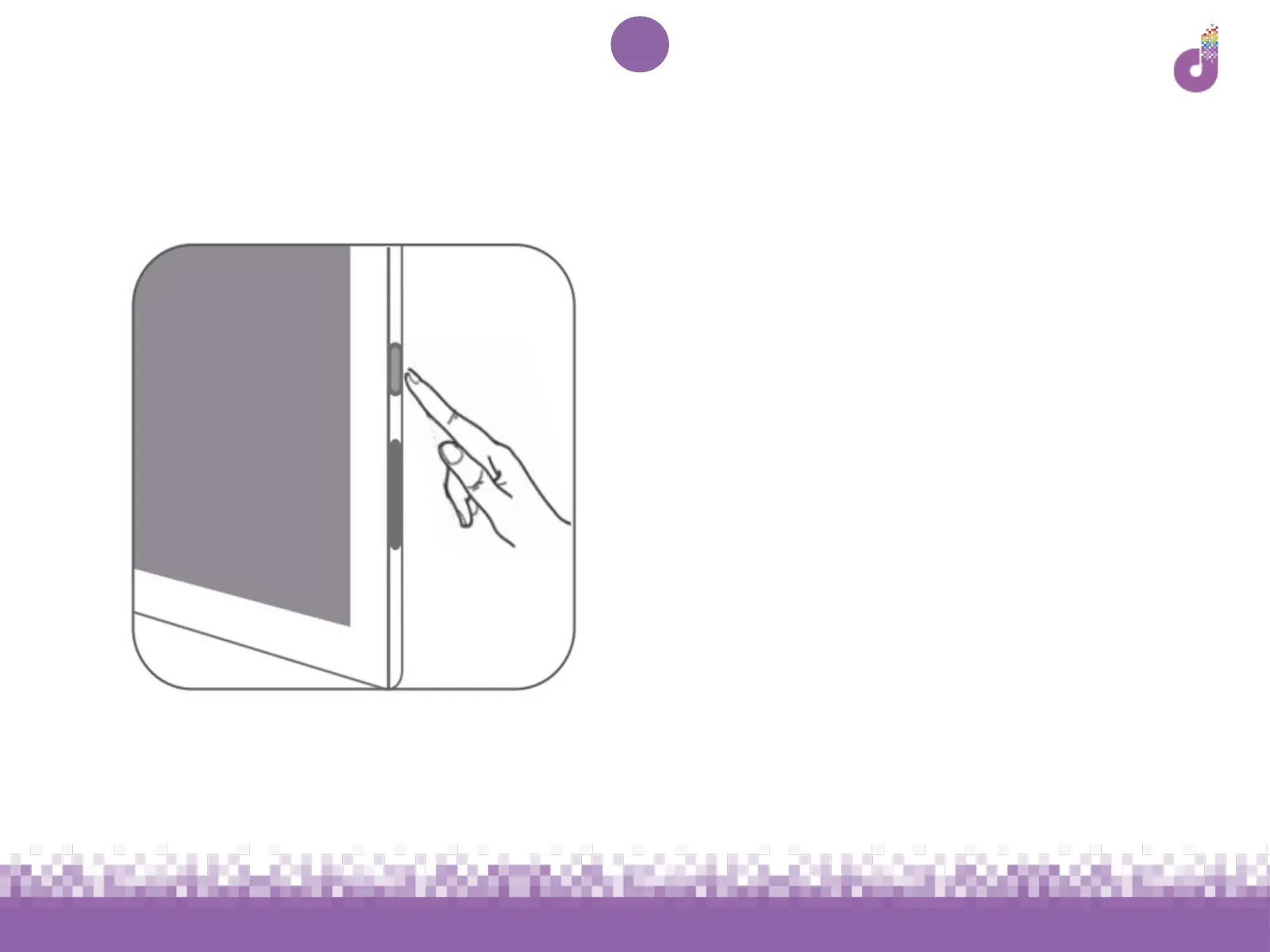
1. Press and hold the power key (top
or left - see p.4) for 2-3 seconds to
switch the device on
1. If the device does not switch on:
a. Please ensure you have
charged the device for at least
half an hour
b. If it is still not working, contact
the Digital Bridge team:
digitalbridge@we-are-digital.co.uk or
0345 222 0333



 To Next Page