www.we-are-digital.co.uk | info@we-are-digital.co.uk | +44 (0) 3333 444019
7
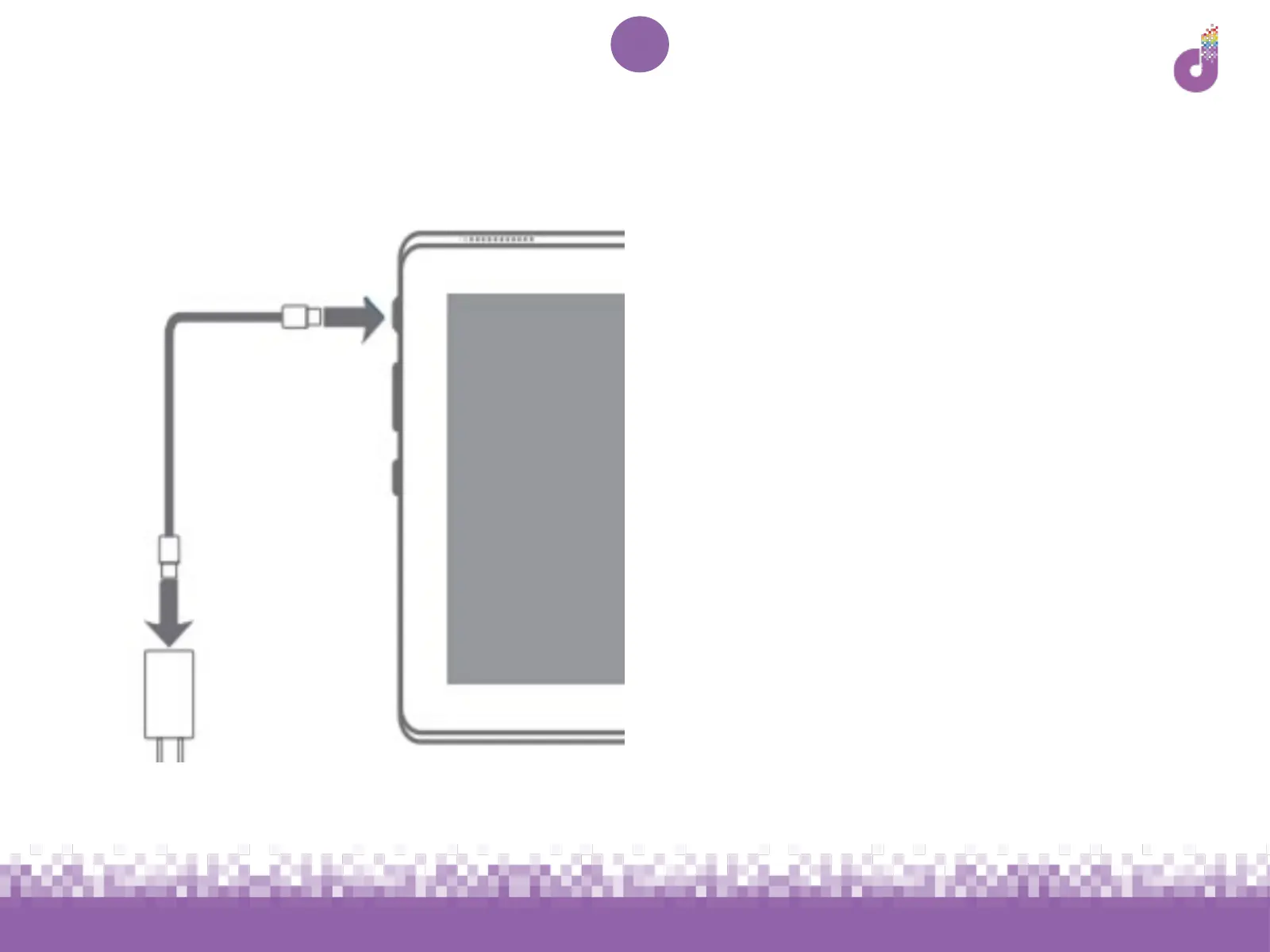
Lenovo Tab E10: Charging
The tablet may need to be charged
before use, however it does not need to
be fully charged for setup. Try to plug it
in somewhere accessible so you can
continue with setup while it charges.
1. Attach the micro USB cable to the
power adapter and to the micro
USB connector port on the tablet
(labelled number 6 on p.4)
1. Plug the power adapter into the
power outlet and turn on
1. Hold down the power button for 2-
3 seconds to switch the tablet on



 To Next Page