www.we-are-digital.co.uk | info@we-are-digital.co.uk | +44 (0) 3333 444019
39
Lenovo Tab E10: Google Account
CREATING AN ACCOUNT
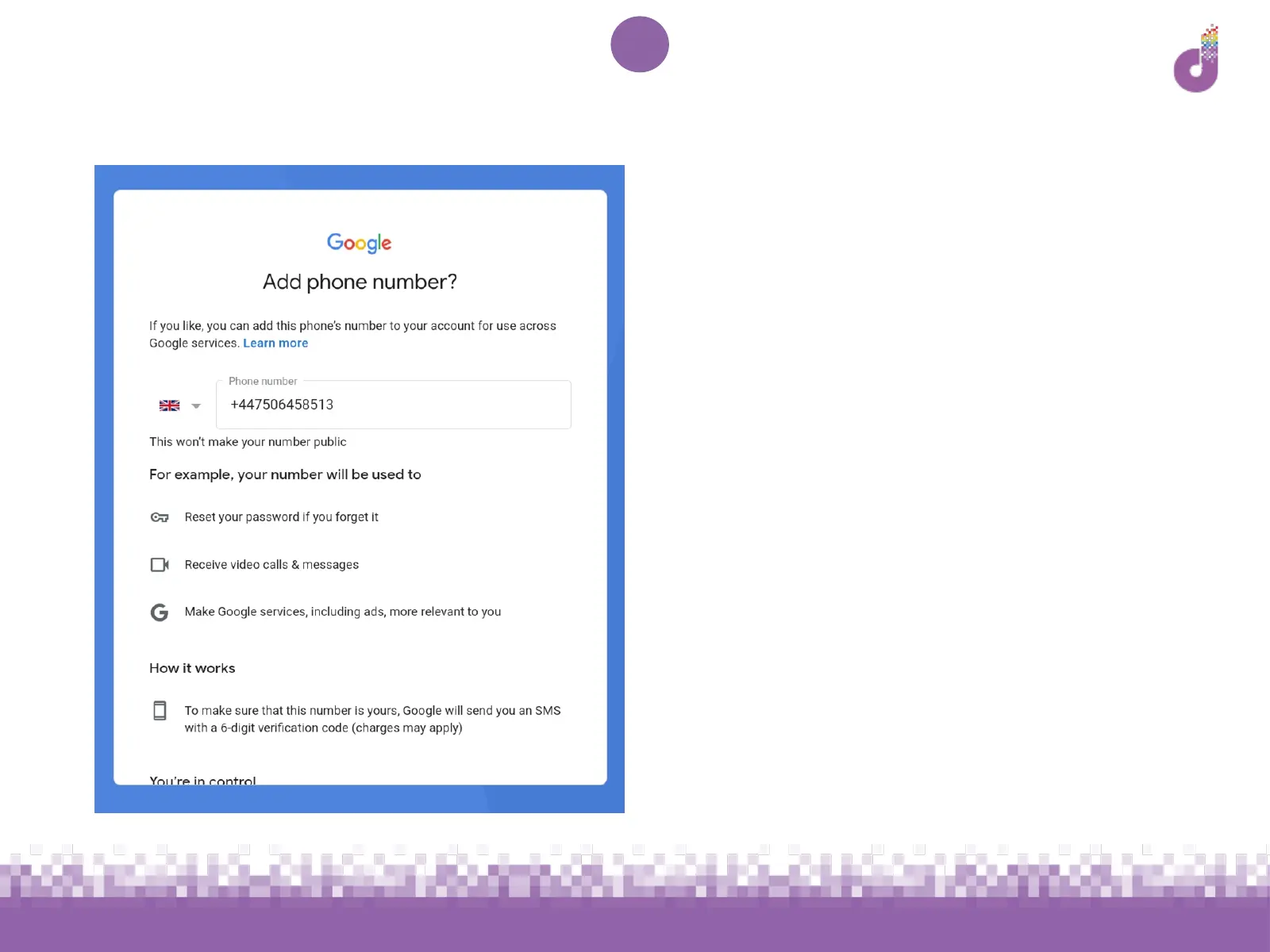
5. You will be prompted to add a phone
number. The device will autofill your
new SIM phone number, however you
may wish to replace this with a phone
number you use more often. Tap Yes,
I’m in and follow the instructions given
This will allow you to access your
account in future if you forget your
password. If you would prefer to skip
this, select Skip at the bottom of the
page



 To Next Page