www.we-are-digital.co.uk | info@we-are-digital.co.uk | +44 (0) 3333 444019
16
Lenovo Tab E10: Internet
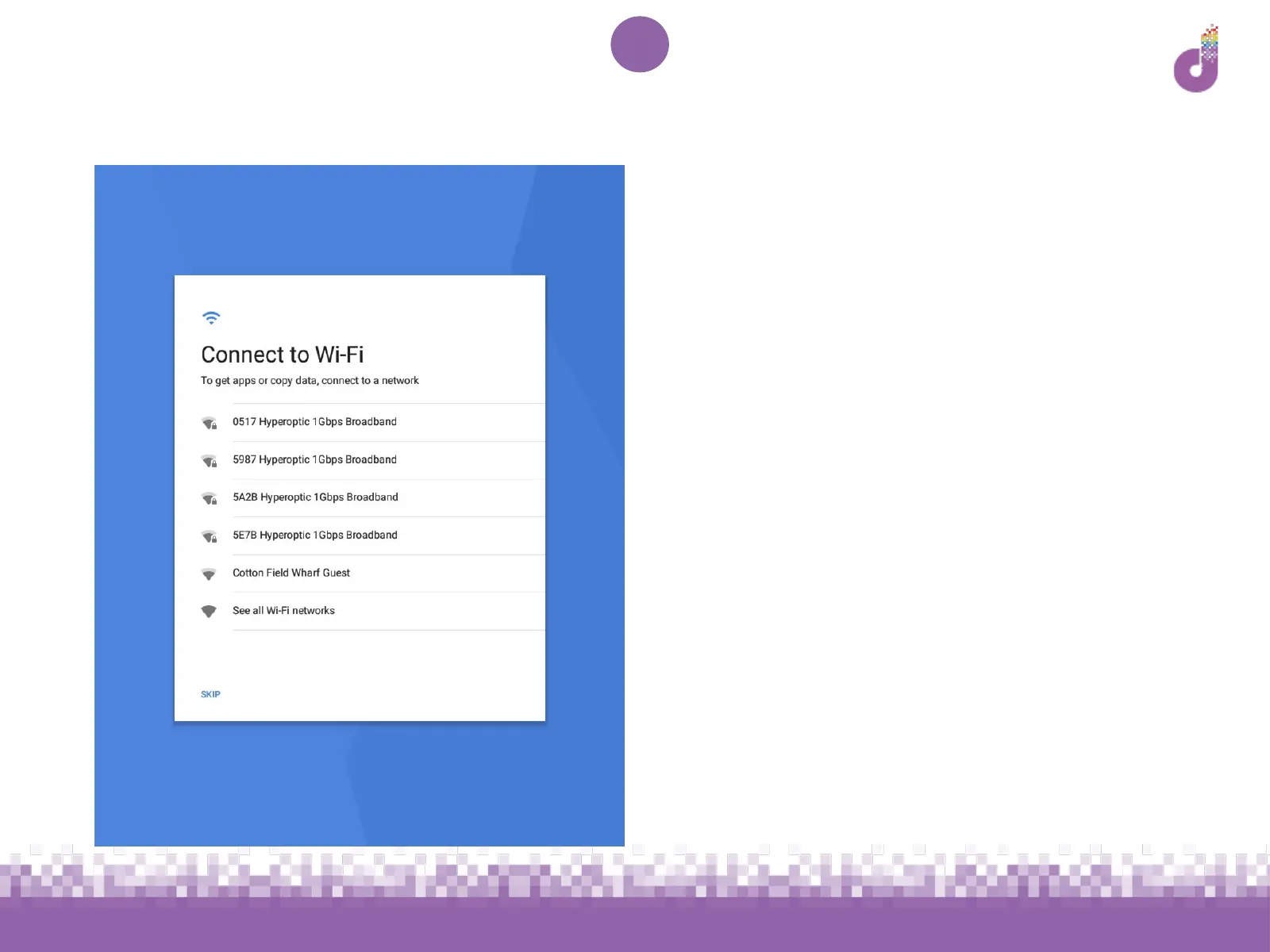
The next screen is for WiFi setup. If you
have WiFi in your home:
1. Locate the name and password for
the network. This is usually found
on the router.
1. Tap on the network name and
enter the password
1. Tap Connect then Next. Your tablet
may take a moment to check for
updates.



 To Next Page