www.we-are-digital.co.uk | info@we-are-digital.co.uk | +44 (0) 3333 444019
30
Lenovo Tab E10: Activating the SIM
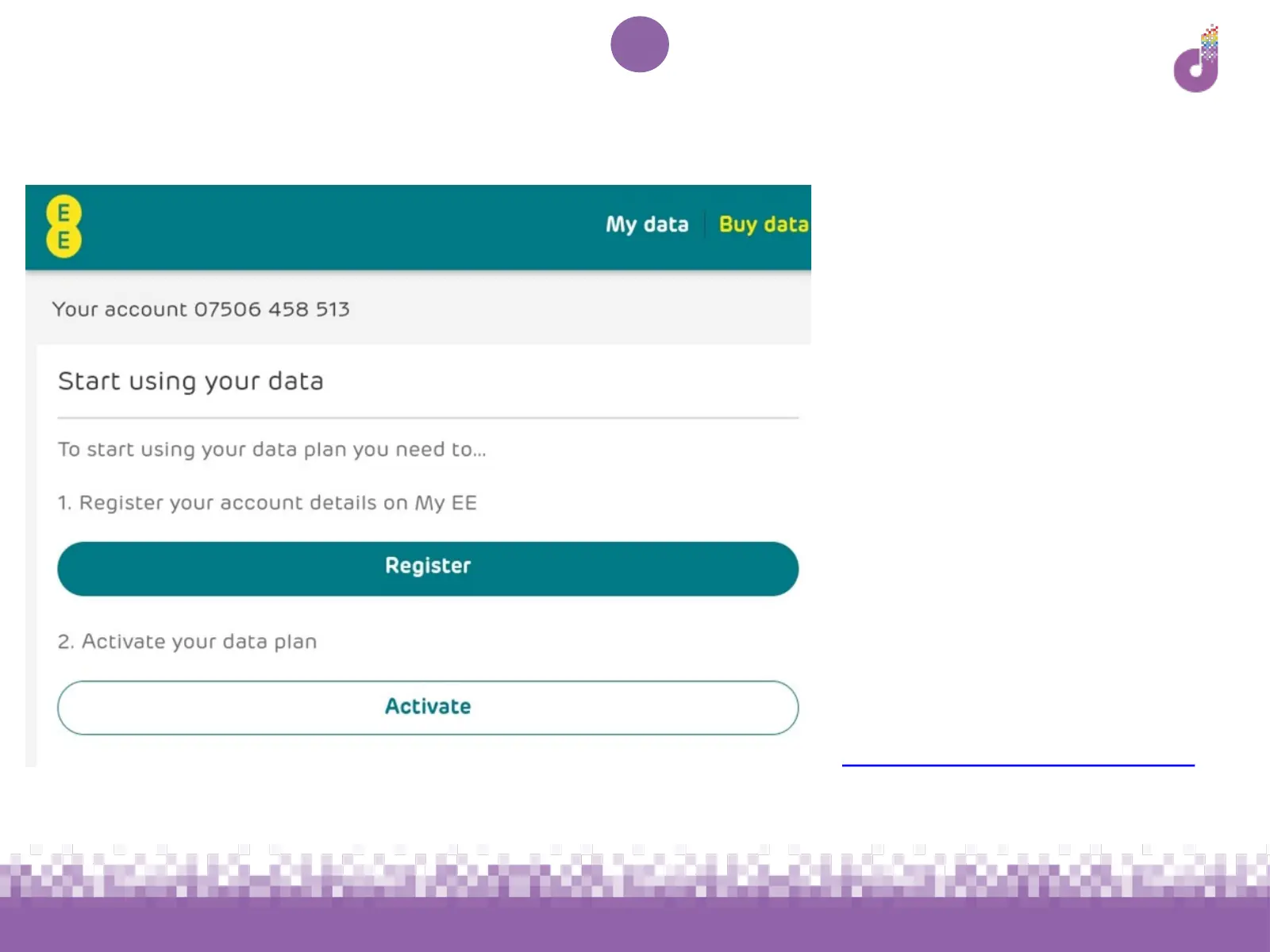
The screen pictured here
should now load
Tap Activate
If you have an email address,
you may also wish to register
an account with EE by
tapping the Register button.
This allows you to manage
your account with EE, but is
optional
If not, don’t worry - you can
register later at
https://id.ee.co.uk/register



 To Next Page