www.we-are-digital.co.uk | info@we-are-digital.co.uk | +44 (0) 3333 444019
48
Lenovo Tab E10: Accessing Settings
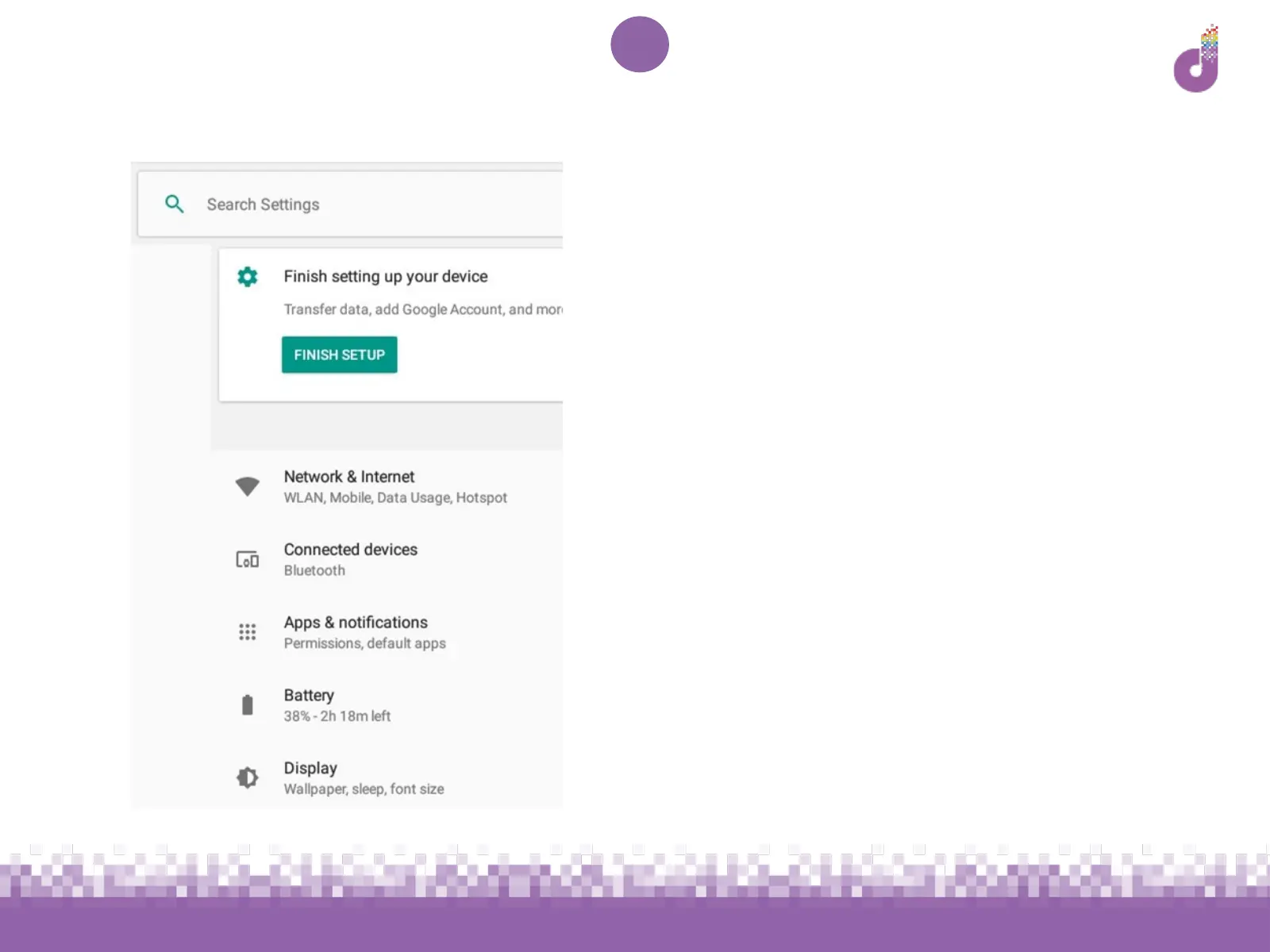
In the settings you will find:
● Wi-Fi information and options
● Battery level
● Display settings (e.g. brightness)
● Security options
● Accessibility options
...and more! Access the settings by:
● Tapping on the cog app on your
home screen
● Swiping down from the top of the
tablet and tapping the cog icon in
the top right
● Swiping up from the bottom of the
tablet and tapping the Settings app



 To Next Page