www.we-are-digital.co.uk | info@we-are-digital.co.uk | +44 (0) 3333 444019
47
Lenovo Tab E10: Using Apps
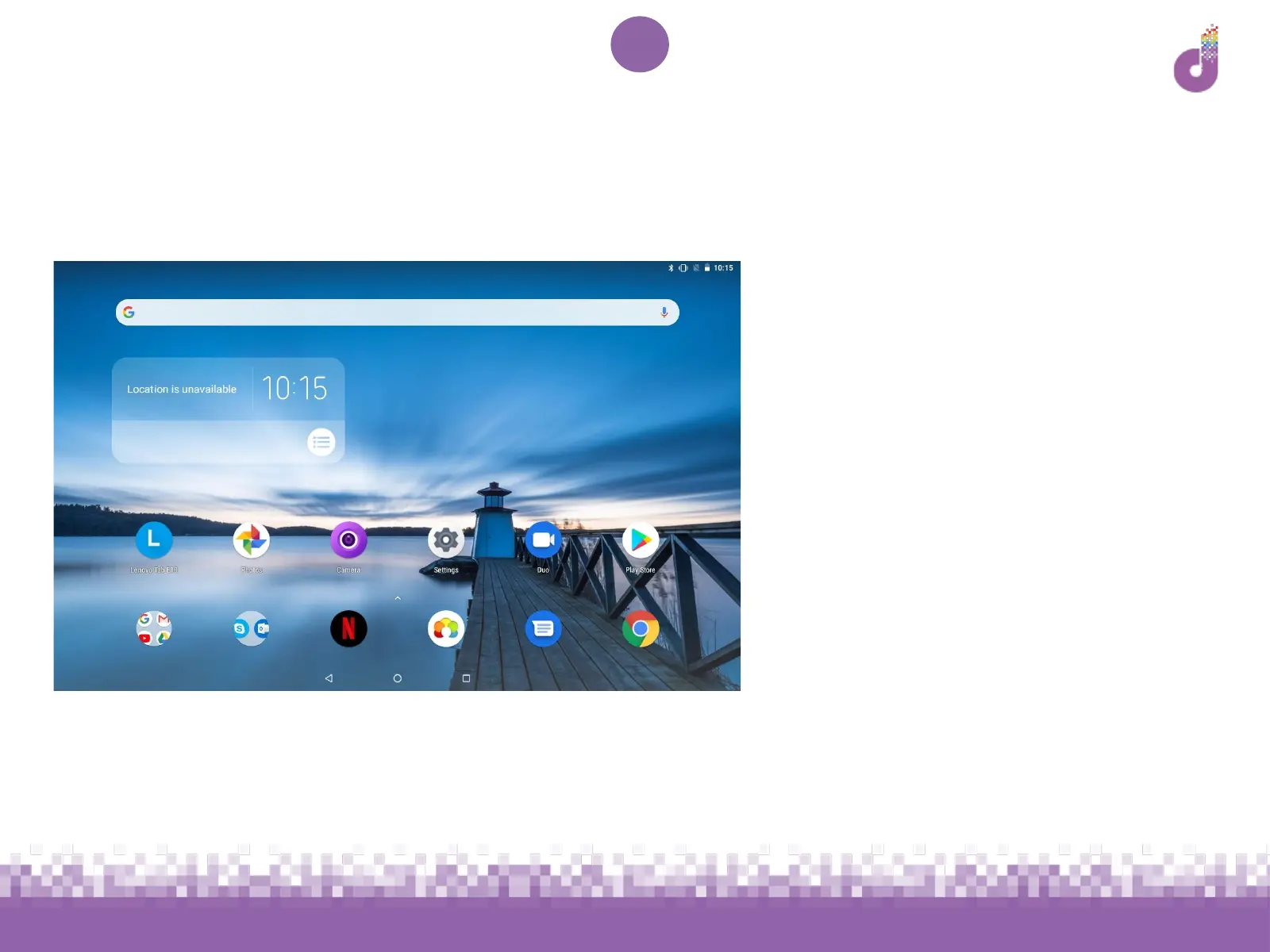
Swipe up from the bottom of
the screen - or tap the up
arrow - to see all of the pre-
installed apps
You can install new apps by
tapping Play Store on the
Home screen
Some apps will already appear
on the Home screen for easy
access - tap on one to try it out



 To Next Page