www.we-are-digital.co.uk | info@we-are-digital.co.uk | +44 (0) 3333 444019
38
Lenovo Tab E10: Google Account
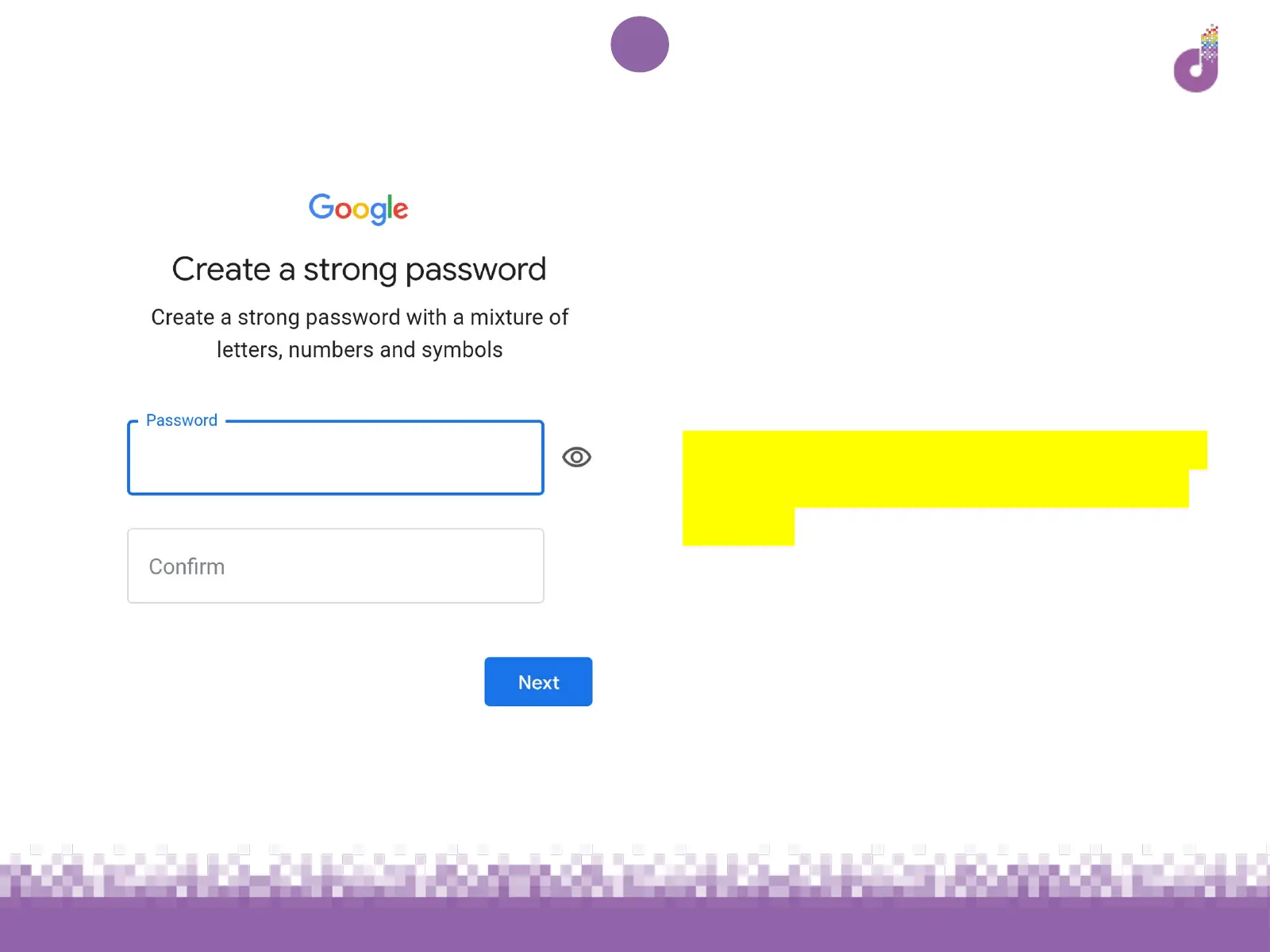
CREATE A STRONG PASSWORD
4. Enter a password and type it again in
the second box to confirm
Remember: You will need this password
to access email and other Google tools
in future
● Use a mixture of letters, numbers
and symbols
● Don’t use any elements of your or
your family’s names, address or
dates of birth
● Do not share with others



 To Next Page