www.we-are-digital.co.uk | info@we-are-digital.co.uk | +44 (0) 3333 444019
20
Lenovo Tab E10: Screen Lock
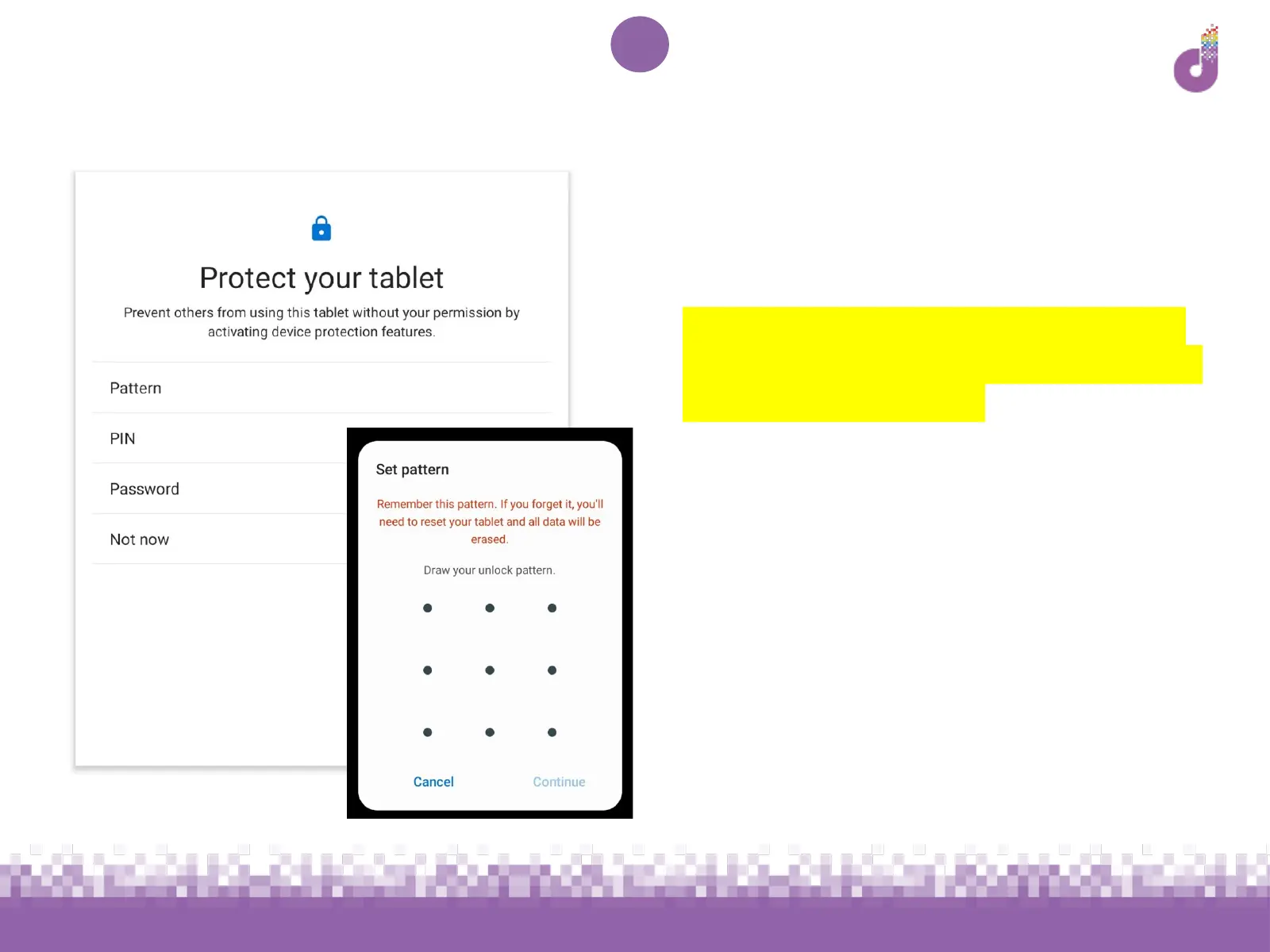
The next screen will ask you to set up
device protection using one of the
following - this is highly recommended.
You will require this for future access -
so remember what you choose or make
a note somewhere safe
● Pattern - Draw a pattern on a 9x9
grid, covering at least 4 dots
● PIN - Set a PIN with at least 4 digits.
Remember to not use something
too obvious like your birthday or
‘1234’
● Password - Set a password with at
least 4 letters, numbers or symbols



 To Next Page