www.we-are-digital.co.uk | info@we-are-digital.co.uk | +44 (0) 3333 444019
49
Lenovo Tab E10: Security Settings
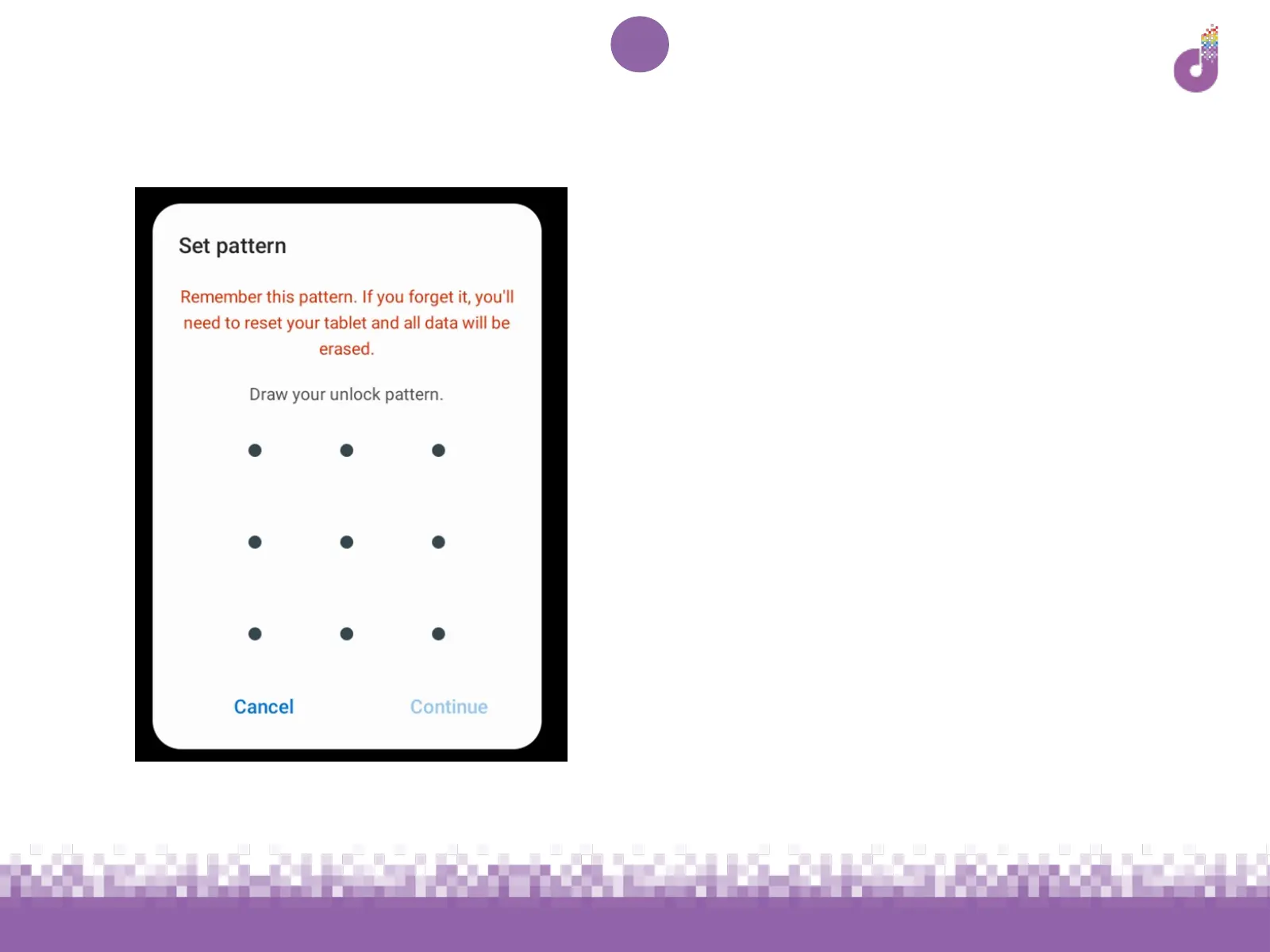
To change your screen lock:
1. Open Settings (see previous page)
1. Tap Security & location (you may
need to scroll down) and then tap
Screen lock
1. Enter the current pattern, PIN or
password, then choose the new
method you’d like to use and follow
instructions to set up



 To Next Page