www.we-are-digital.co.uk | info@we-are-digital.co.uk | +44 (0) 3333 444019
53
Lenovo Tab E10: Restarting
If your tablet is still not responding, it
may need to be restarted
Restart
If the tablet screen is on:
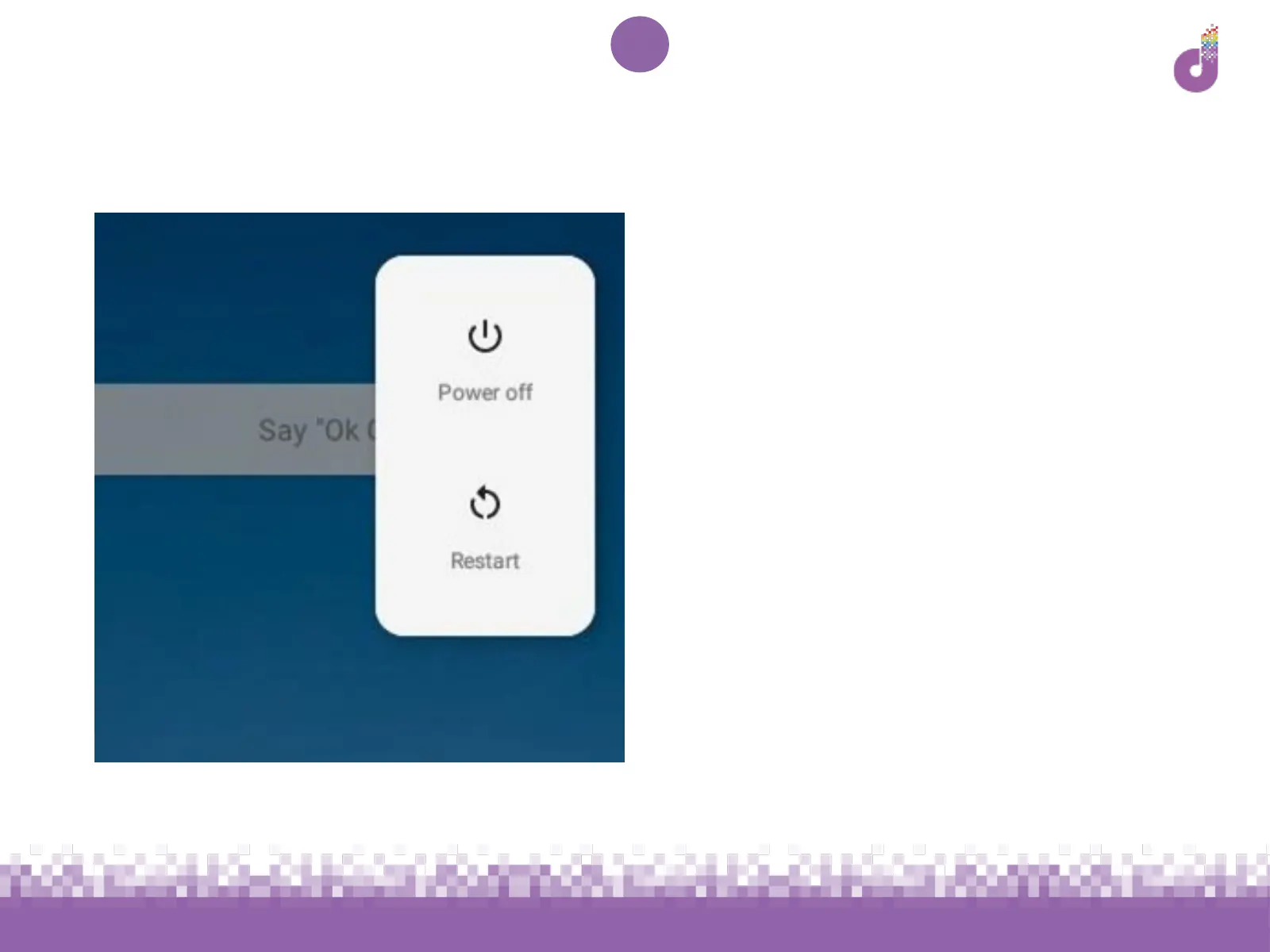
● Press and hold the power button
for 2-3 seconds until a white box
appears (see image)
● Tap ‘Restart’ and wait for your
device to turn itself off and on
again
If the box does not appear, hold the
power button for 10 seconds to turn the
device off, then try starting up as
normal (see p.12)



 To Next Page