www.we-are-digital.co.uk | info@we-are-digital.co.uk | +44 (0) 3333 444019
54
Lenovo Tab E10: Troubleshooting
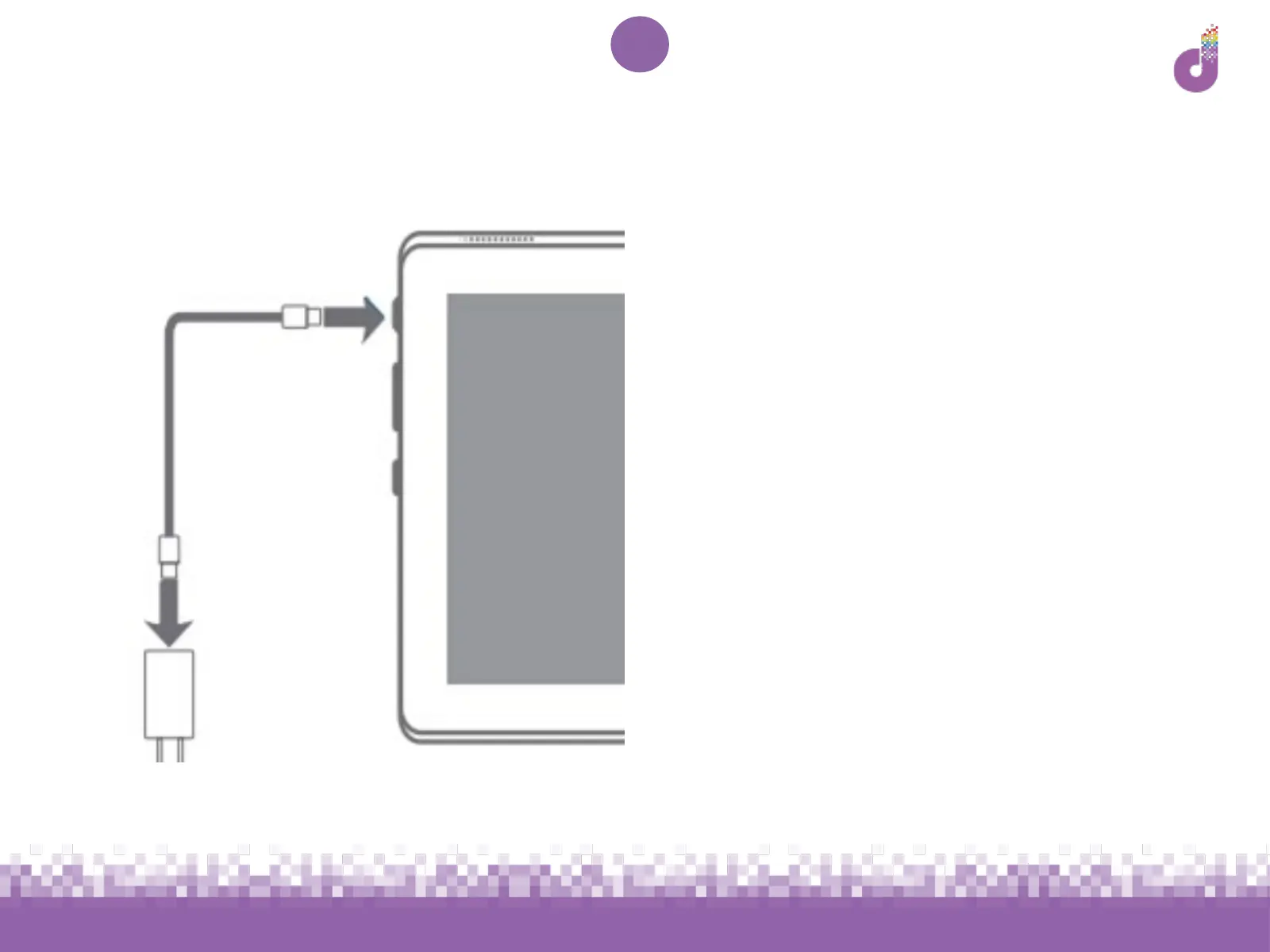
Blank screen or won’t turn on
Firstly, plug your tablet in to charge (see
p.7)
We recommend leaving the tablet
charging for 30 minutes before trying to
turn it on again
Once charged, hold down the power
button for 2-3 seconds



 To Next Page