www.we-are-digital.co.uk | info@we-are-digital.co.uk | +44 (0) 3333 444019
31
Lenovo Tab E10: Activating the SIM
When you tap Activate, the window will
automatically close. Your SIM should
now be up and running! To test it out:
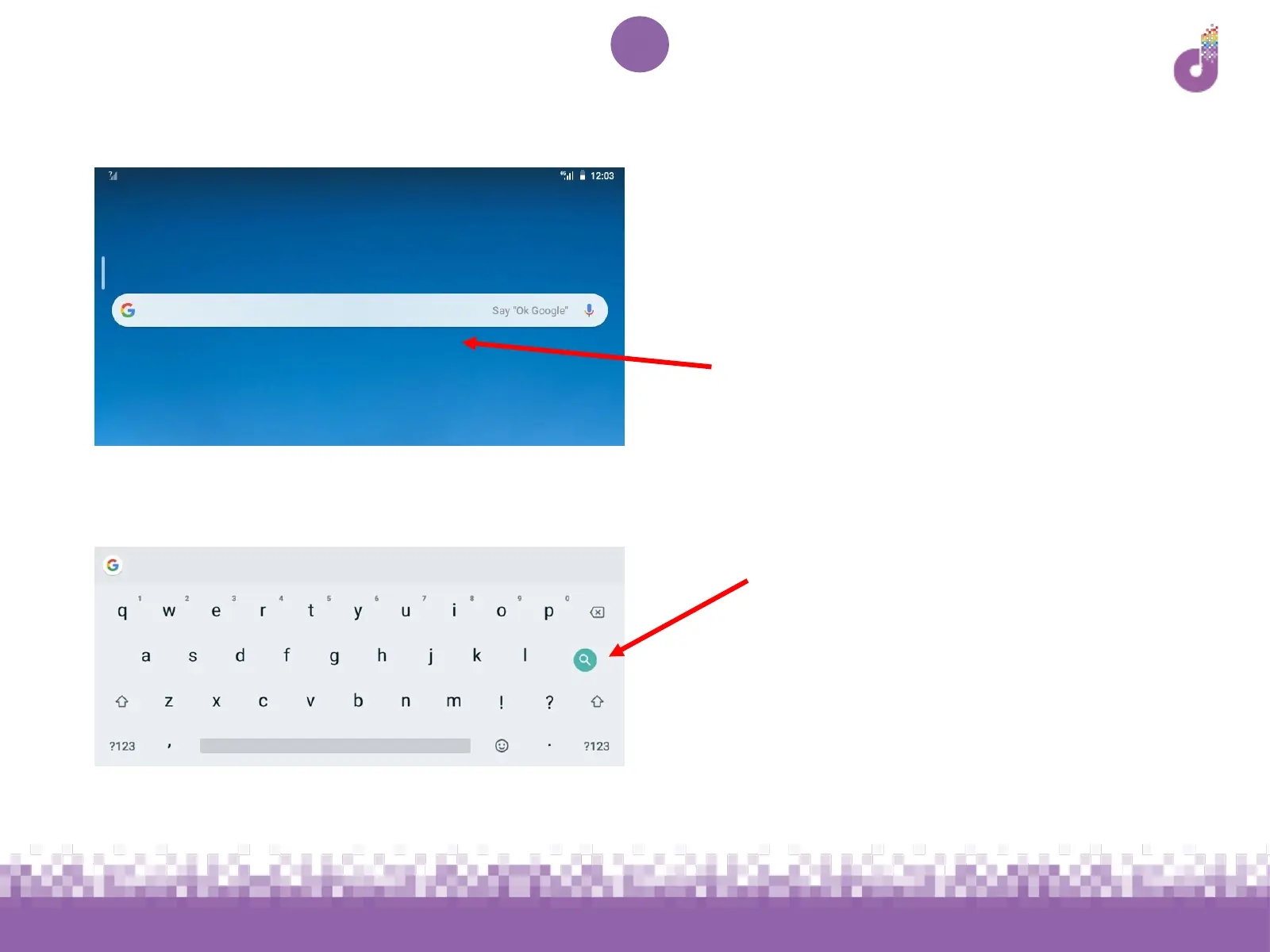
● Tap the search bar on your home
screen
● Use the keyboard to type a word to
search for (press the green button
to search)
If search results come up, your device is
connected to the Internet and ready to
use. If not, try restarting the device and
following the instructions to activate
your SIM again



 To Next Page