www.we-are-digital.co.uk | info@we-are-digital.co.uk | +44 (0) 3333 444019
52
Lenovo Tab E10: Troubleshooting
In this section we’ll cover some of the
steps to follow if your device stops
responding
Frozen screen
If the tablet is not responding to tapping
and/or swiping, try the following:
● Wait 10 seconds before trying the
action again
If that doesn’t work:
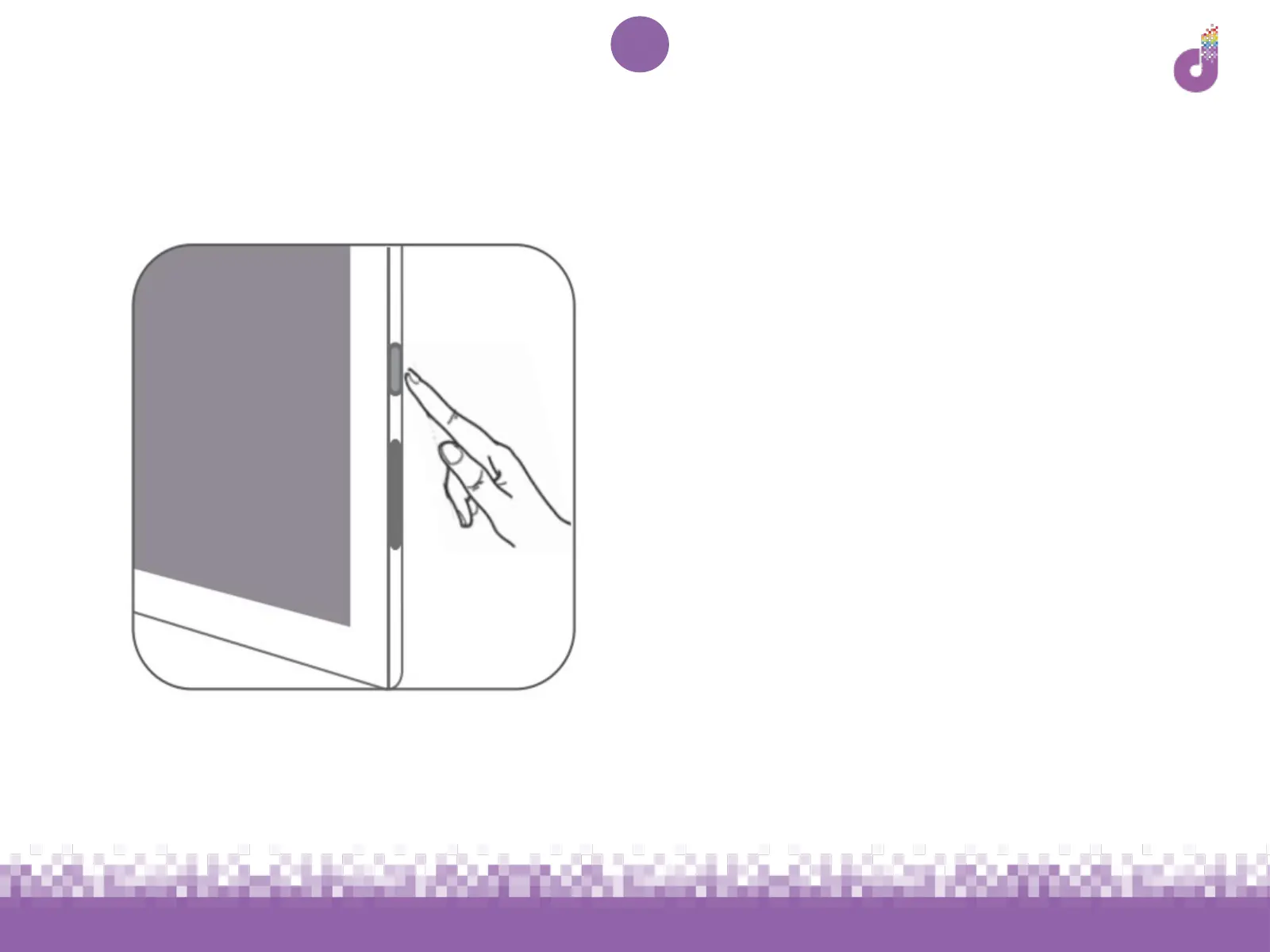
● Quickly press and release the
power button to turn the screen off
● Press the power button again and
unlock



 To Next Page