www.we-are-digital.co.uk | info@we-are-digital.co.uk | +44 (0) 3333 444019
56
Lenovo Tab E10: Resetting
With the screen off:
1. Hold the volume up and down keys
at the same time, and press the
power button
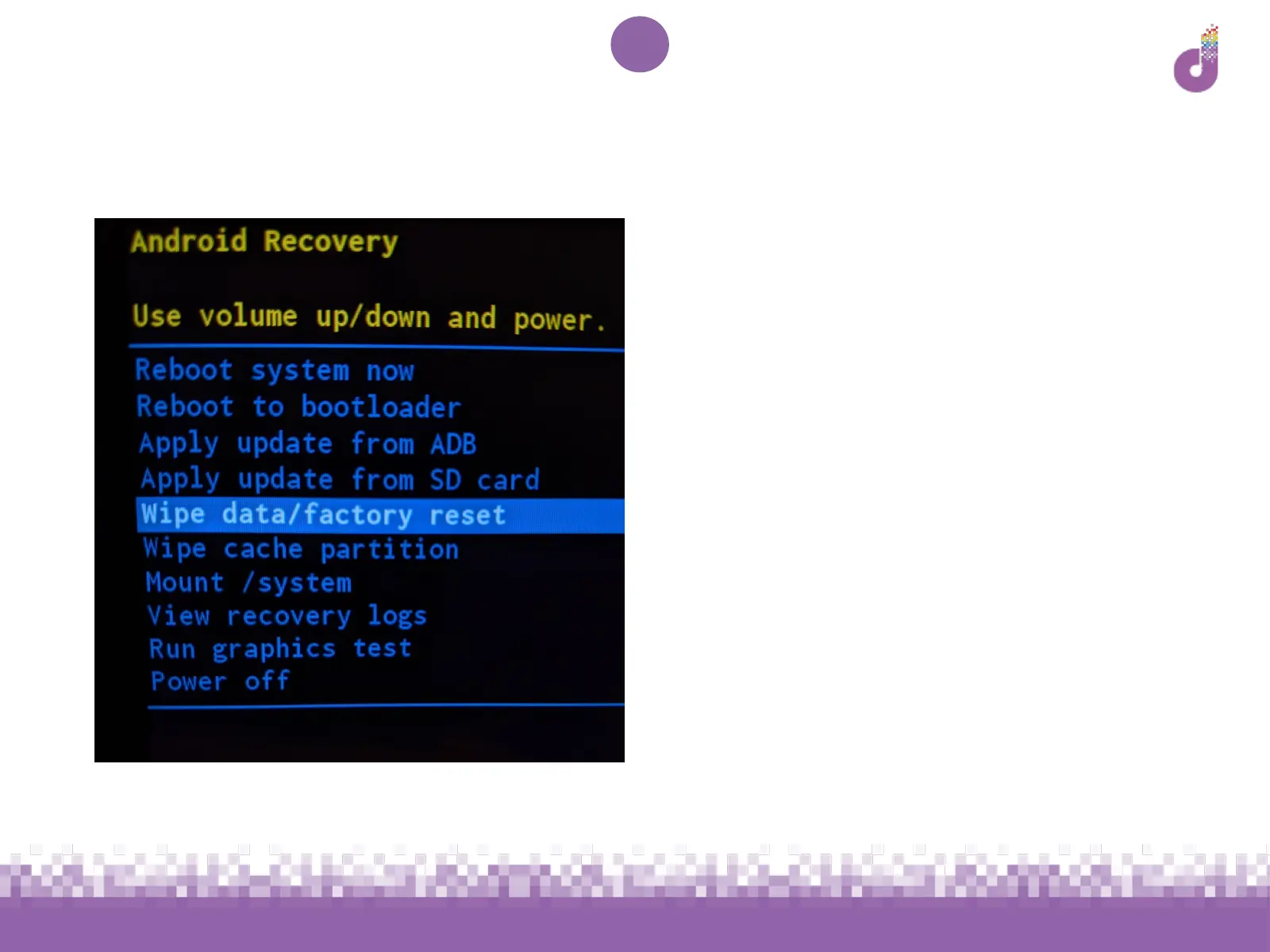
2. When the menu pictured (left)
appears, let go of the buttons
3. Use the volume buttons to move
the highlight to Wipe data/factory
reset and press the power button
4. Use the volume up/down button to
highlight Yes and press the power
button
5. When the main menu reappears,
press the power button to restart
6. You’ll now need to set up your
tablet from p.13 of this guide



 To Previous Page