www.we-are-digital.co.uk | info@we-are-digital.co.uk | +44 (0) 3333 444019
29
Lenovo Tab E10: Activating the SIM
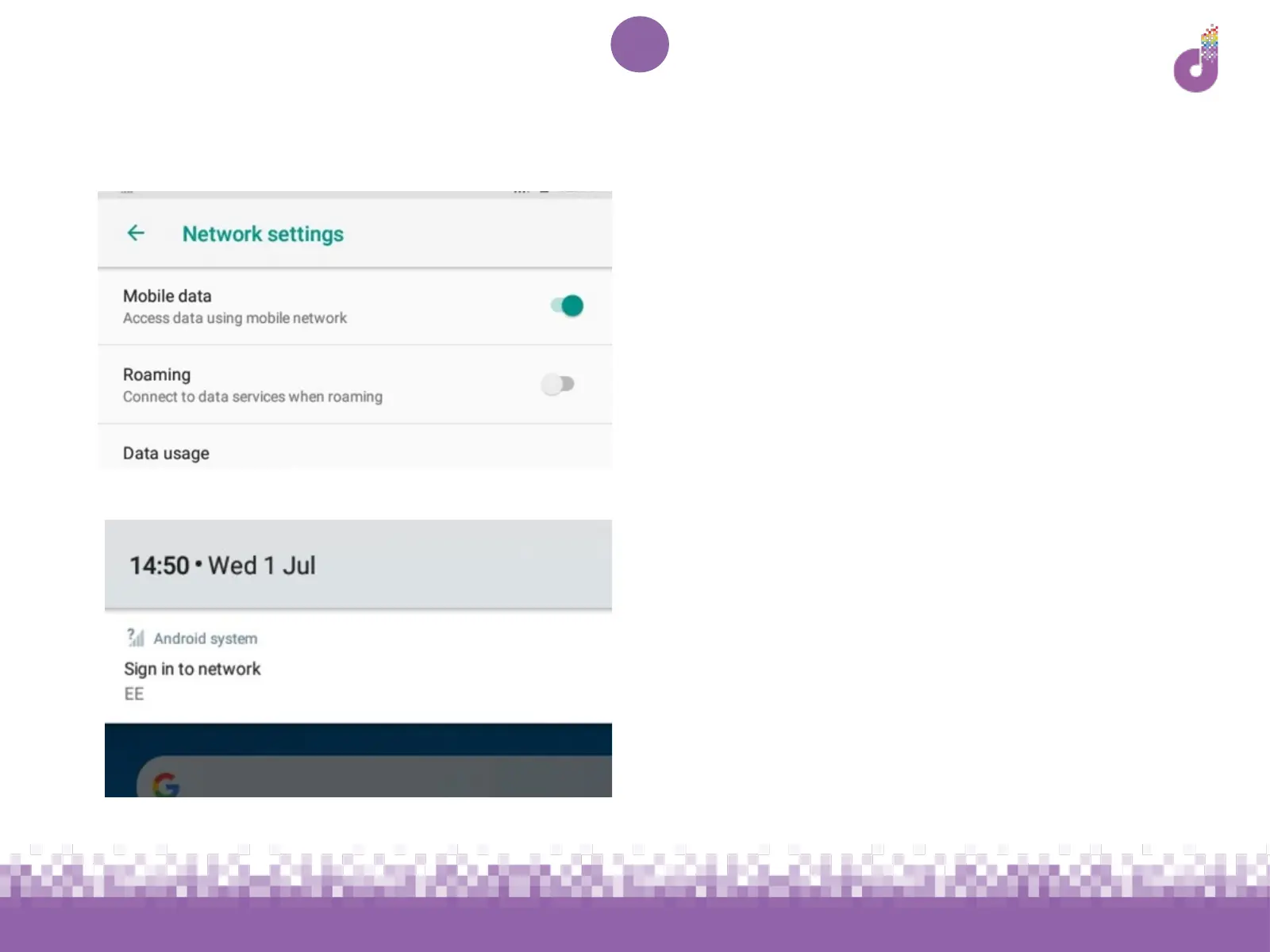
Next to Mobile data, on the right hand
side of the screen there is a grey toggle
symbol. Tap this to turn it green as
pictured
Now at the top of your screen a
notification will appear. Swipe down
from the top of your screen to see it,
and tap Sign in to network



 To Next Page