www.we-are-digital.co.uk | info@we-are-digital.co.uk | +44 (0) 3333 444019
40
Lenovo Tab E10: Google Account
CREATING AN ACCOUNT
6. On the review page, tap Next and
then read the terms and conditions
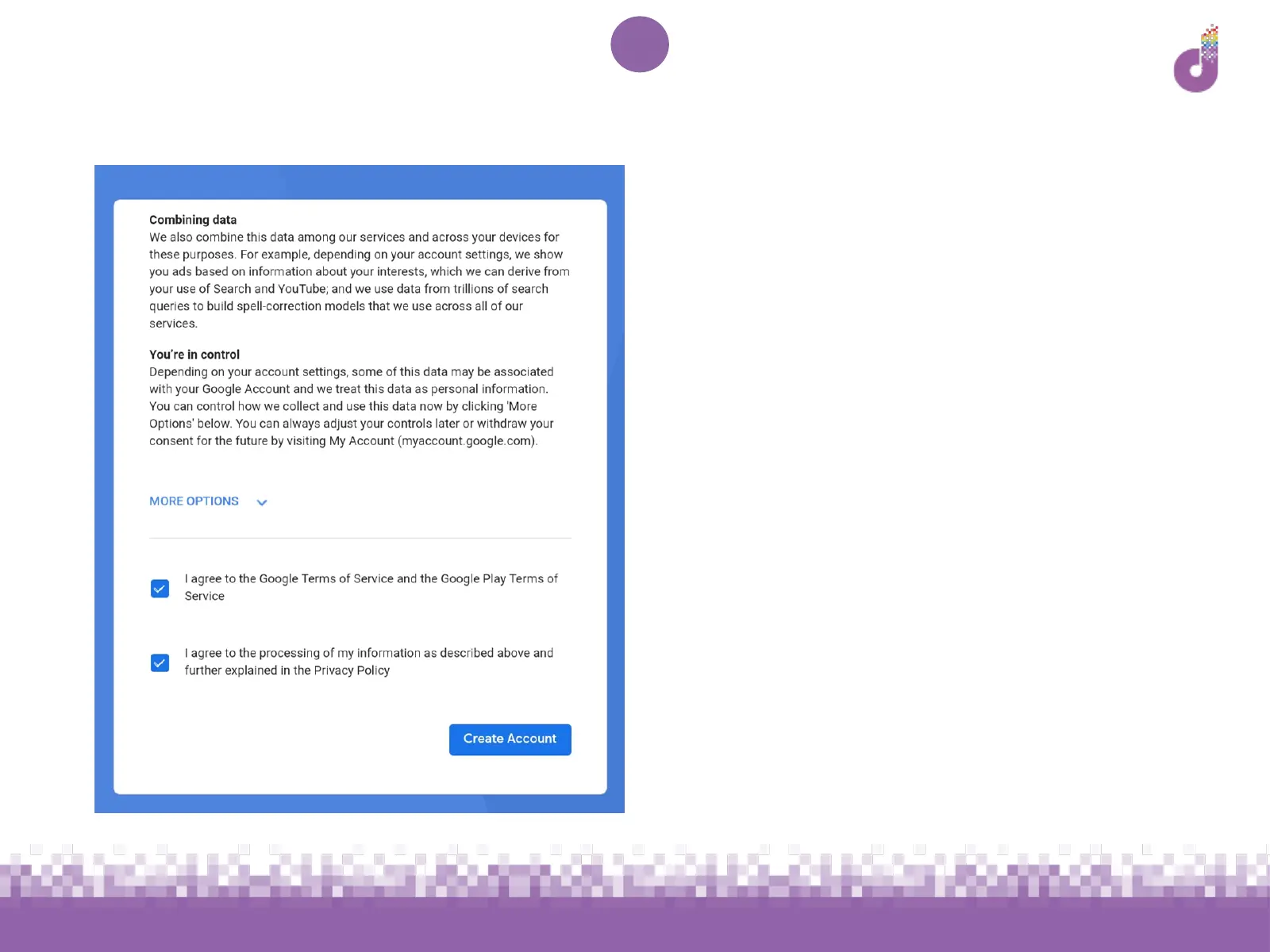
7. Tick the boxes to confirm you agree
with the terms, and then tap Create
Account to continue
8. The next screen will ask if you would
like to back up data to Google Drive.
Use the blue toggle to switch this on or
off and tap Accept



 To Next Page