2Audioconnector
Connectheadphonesoraheadsetthathasa3.5-mm(0.14-inch),4-poleplugtotheaudioconnectorto
listentothesoundfromthecomputer.
Notes:
•Ifyouareusingaheadsetwithafunctionswitch,suchasaheadsetforaniPhonemobiledigitaldevice,
donotpressthisswitchwhileusingtheheadset.
•Theaudioconnectordoesnotsupportaconventionalmicrophone.Formoreinformation,see“Using
audiofeatures”onpage32
.
3USB3.0connectors
TheUniversalSerialBus(USB)3.0connectorisusedforconnectingUSB-compatibledevices,suchasa
USBkeyboard,aUSBmouse,aUSBstoragedevice,oraUSBprinter.
Attention:WhenyouattachaUSBcabletotheUSB3.0connector,ensurethattheUSBmarkisfacing
upward.Otherwisetheconnectormightgetdamaged.
4HDMIconnector
UsetheHigh-DefinitionMultimediaInterface(HDMI)connectortoconnectthecomputertoan
HDMI-compatibleaudiodeviceorvideomonitor,suchasahigh-definitiontelevision(HDTV).
5USB-Cconnector
USB-CisanewUSBstandardthatsupportspower,datatransfer,andvideooutputatthesametime.
ThefollowingLenovoaccessoriesdonotcomewithyourcomputer.Youcanpurchasethefollowing
accessoriesfromLenovo(http://www.lenovo.com/accessories)toconnectyourcomputertopowerorother
devicesthroughtheUSB-Cconnector.
•LenovoUSB-CtoHDMIAdaptor:UsedtoconnectyourcomputertoanHDMI-compatibleaudiodevice
orvideomonitor.
•LenovoUSB-CtoVGAAdaptor:Usedtoconnectyourcomputertoavideographicsarray(VGA)
monitororotherVGA-compatiblevideodevice.
•LenovoUSB-C45WACAdapter:Usedtoprovideacpowertoyourcomputerandchargethebattery.
6Security-lockslot
Toprotectyourcomputerfromtheft,purchaseasecuritycablelockthatfitsthissecurity-lockslottolock
yourcomputertoastationaryobject.
Note:Youareresponsibleforevaluating,selecting,andimplementingthelockingdeviceandsecurity
feature.Lenovomakesnocomments,judgments,orwarrantiesaboutthefunction,quality,orperformance
ofthelockingdeviceandsecurityfeature.
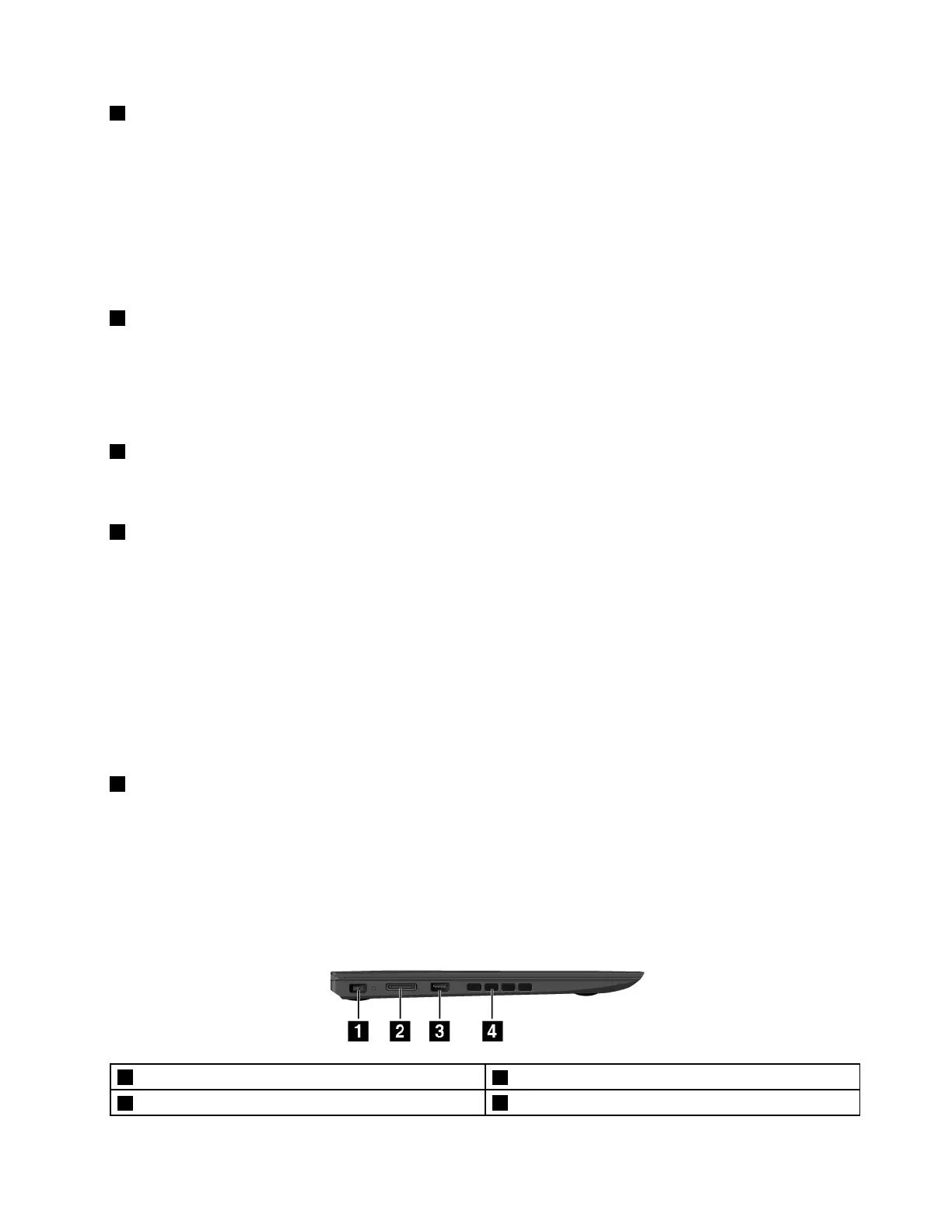
Left-sideview
1Powerconnector
2OneLink+connector
3AlwaysOnUSBconnector(USB3.0)
4Fanlouvers
Chapter1.Productoverview3














 To Next Page