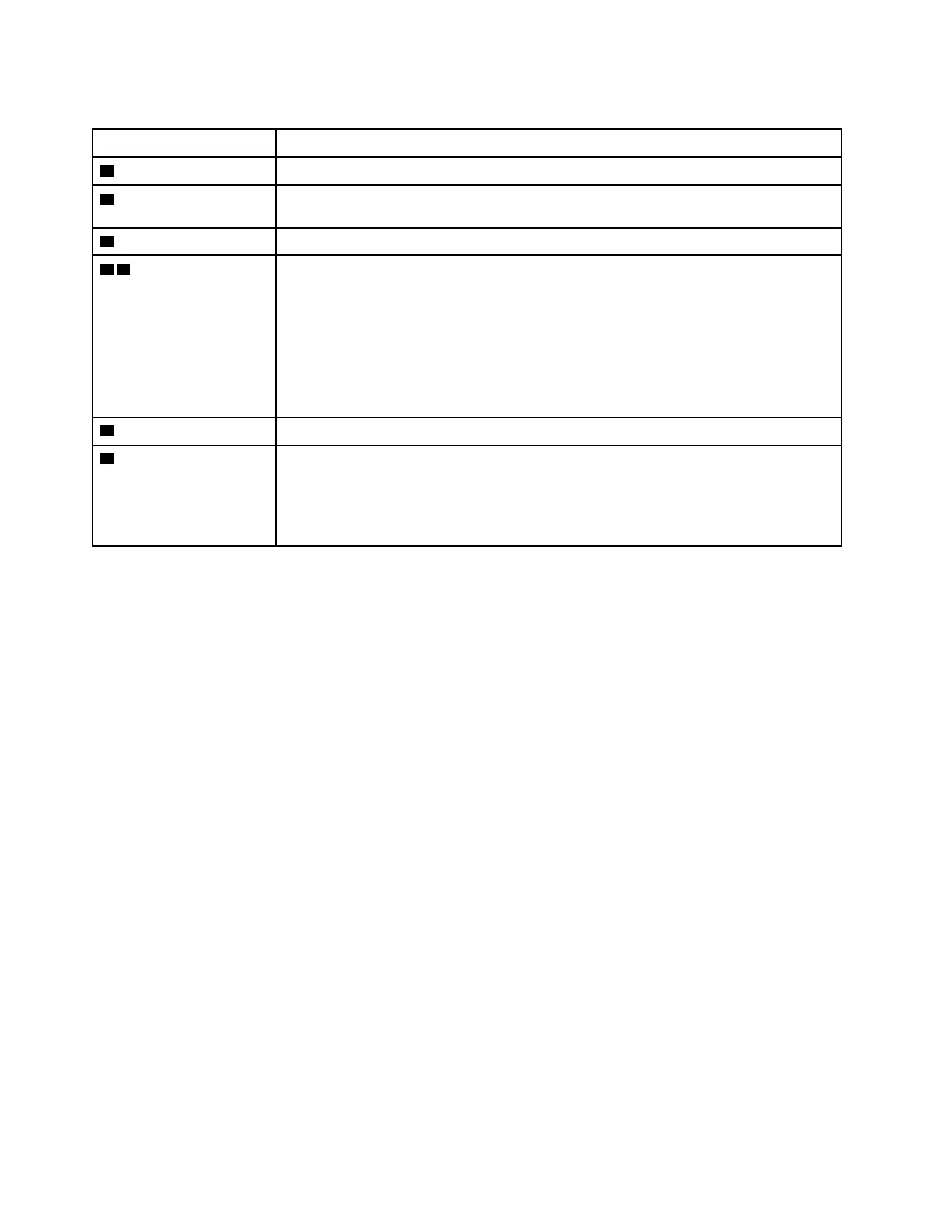
Table 6. Status indicators (continued)
Indicator Description
3 Speaker-mute indicator When this indicator is on, the speakers are muted.
4 Microphone-mute
indicator
When this indicator is on, the microphones are muted.
5 Camera status indicator When this indicator is on, the camera is in use.
6 8 System status
indicators
Blinks for three times: The computer is initially connected to power.
On: The computer is on (in normal mode).
Off: The computer is off or in hibernation mode.
Blinks slowly: The computer is in sleep mode.
Blinks fast: The computer is entering sleep or hibernation mode.
7 Numeric Lock indicator When this indicator is on, you can use the numeric keypad to type numbers.
9 ac power status
indicator
This indicator shows the ac power and battery power status of the computer.
• White: connected to ac power (battery power 90%–100%)
• Amber: connected to ac power (battery power 0%–90%)
• Off: not connected to ac power
48 ThinkPad E580 and E585 Hardware Maintenance Manual














 To Next Page