5Harddiskdrive(HDD)orsolidstatedrive
Yourcomputermayhavealarge-capacity,customer-upgradableharddiskdrivethatcanmeetavarietyof
storagedemands.Tokeepthedrivesafe,ActiveProtectionSystem™isinstalledonyourcomputer.For
details,referto“ActiveProtectionSystem”onpage18.
WithLenovotechnologiesadvancingtoprovideyouwiththebestengineeredsystems,somemodels
areequippedwithasolidstatedrivefordatastorage.Thiscutting-edgetechnologyenablesnotebook
computerstobelighter,smallerandfaster.
Note:Thehiddenservicepartitionisthereasonwhythereislessfreespacethanexpectedonyourhard
diskdriveorsolidstatedrive.Thisreductionismorenoticeableonthesolidstatedrivebecauseofits
smallercapacity.
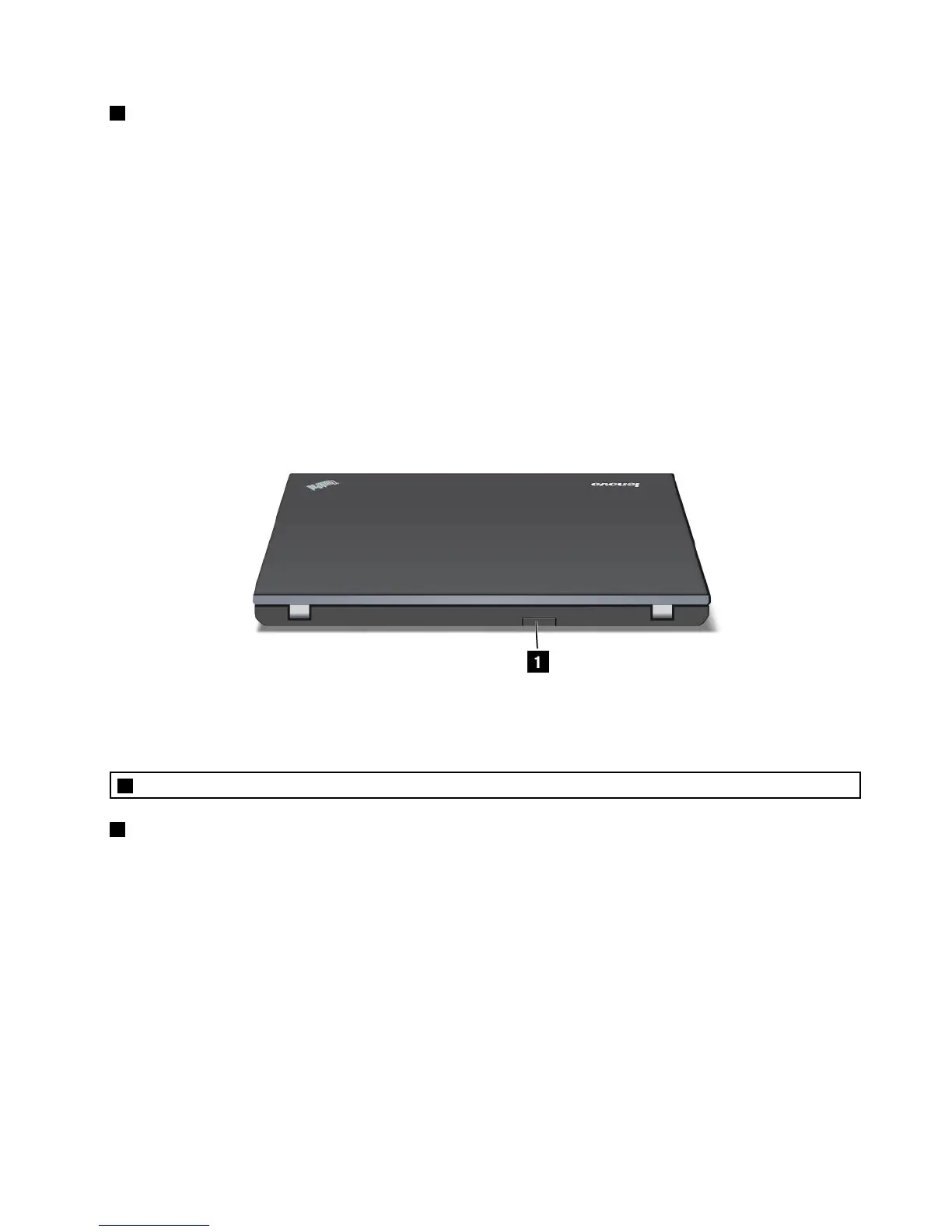
Rearview
Figure5.ThinkPadEdgeE220srearview
1SIMcarddoor
1SIMcarddoor
IfyourcomputerhasawirelessWANfeature,itmayrequireaSIM(SubscriberIdenticationModule)cardto
establishawirelessWAN(WideAreaNetwork)connections.Dependingonthecountryofdelivery,theSIM
cardmaybealreadyinstalledintheSIMcardslot.
Statusindicators
Yourcomputerhassystem-statusindicatorsandpower-statusindicators.Thestatusindicatorsshowthe
currentstatusofyourcomputer.
Chapter1.ProductOverview9













 To Next Page