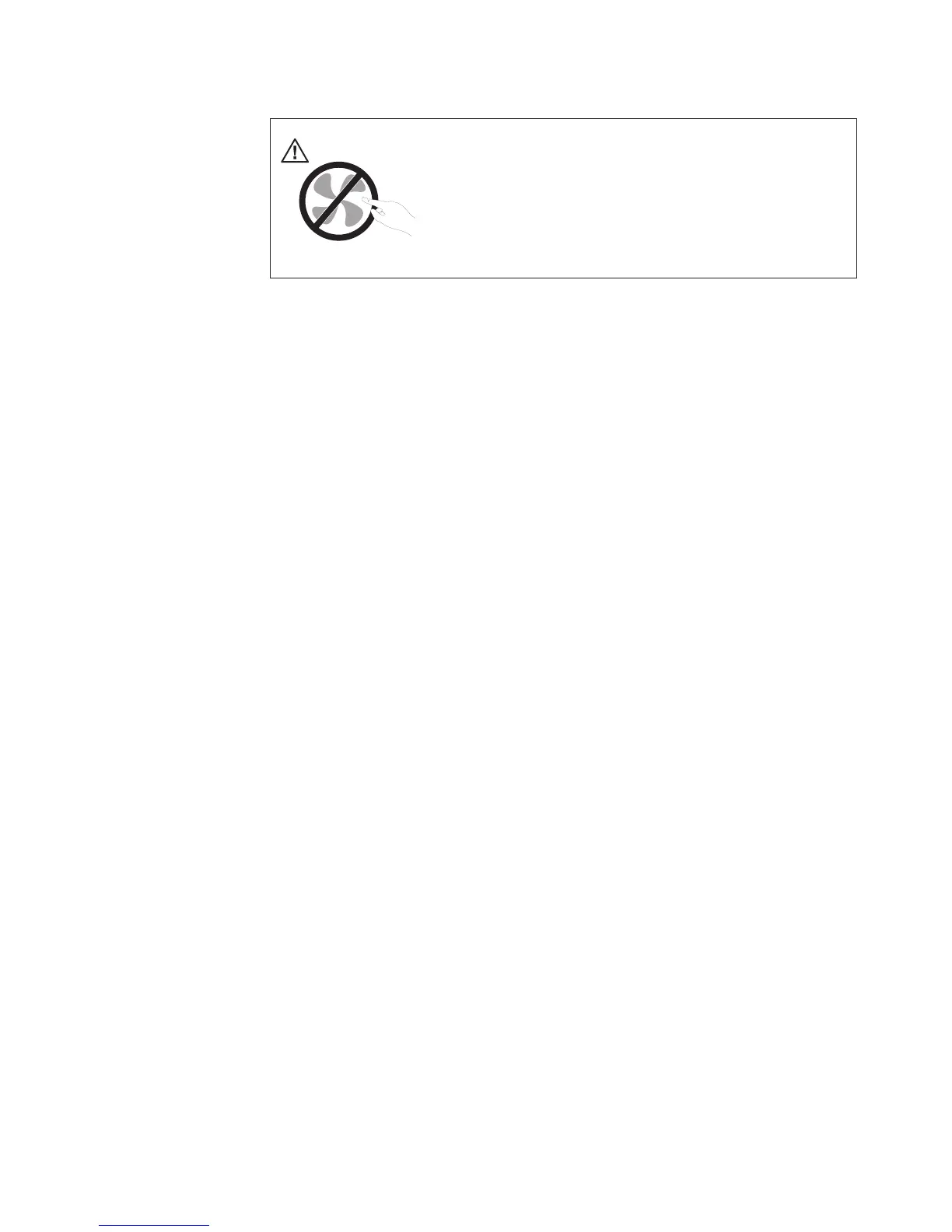
DANGER
Hazardous moving parts. Keep fingers and other body parts away.
To remove the system fans, do the following:
1. Remove all media from the drives and turn off all attached devices and the
server. Then, disconnect all power cords from electrical outlets and disconnect
all cables that are connected to the server.
2. Remove the server cover. See “Removing the server cover” on page 21.
3. Remove the microprocessor fan duct. See “Removing the microprocessor fan
duct” on page 51.
4. Remove the riser card assembly. See “Removing the riser card assembly” on
page 38.
5. Disconnect the system fan cables from the system board. See Figure 6 on page
16.
6. For each system fan, press down and hold the buckle 1, and then carefully
lift the system fan straight up and out of the chassis 2.
Note: Note the system fan cables. Remove the cables from any clip before
removing the system fans.
Chapter 5. Installing, removing, or replacing hardware 57












 To Next Page