26
V340-17IWL Hardware Maintenance Manual
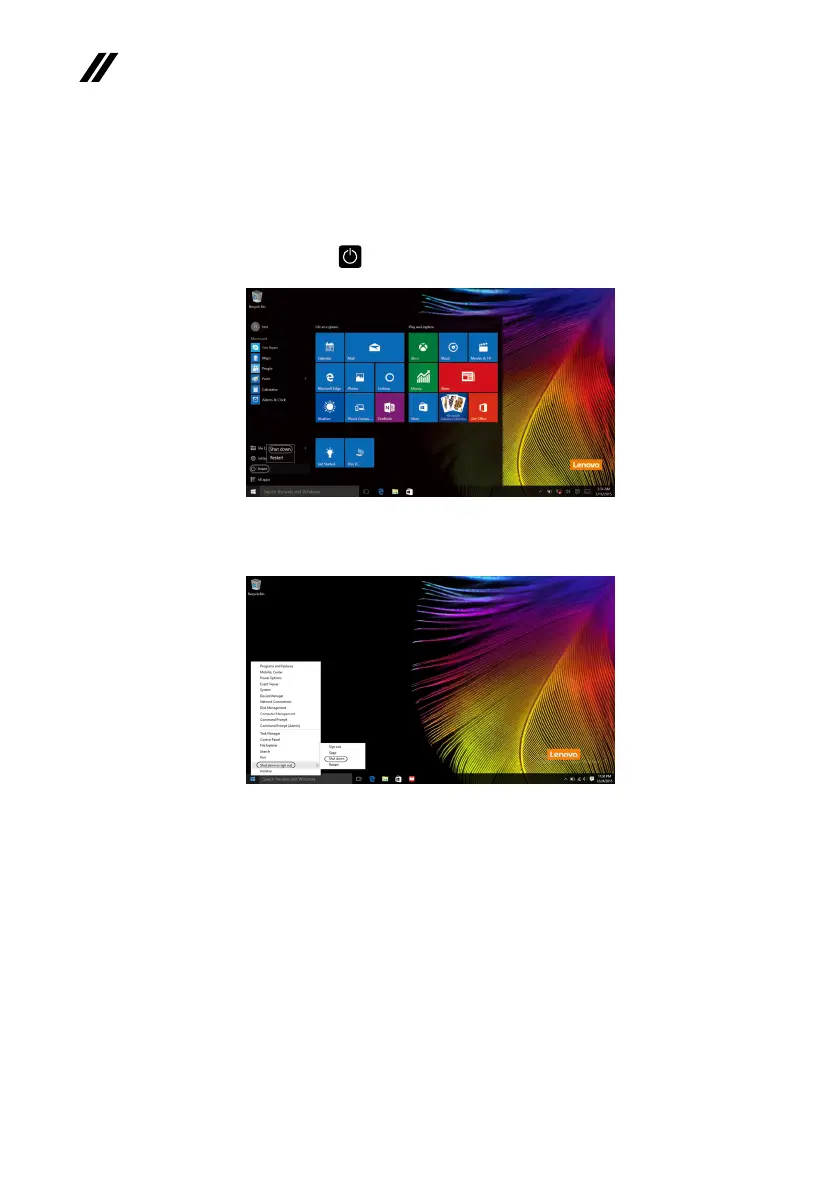
• Right-clickorpresstheStartbuttoninthelower-leftcornerandselectShut
down or sign out
→
Shut down.
Shutting down the computer
Ifyouarenotgoingtouseyourcomputerforalongtime,shutitdown.
Toshutdownyourcomputer,dooneofthefollowing:
• Movethe cursorto thelower-left corner,andthenselecttheStartbutton.
SelectPower
→
Shut down.



 To Next Page