45
Lenovo V340-17IWL
1060 DIMM
Foraccess,removetheFRUinfollowingorder:
• “1010Opticaldrive”onpage33
• “1020Basecover”onpage35
• “1040Batterypack”onpage41
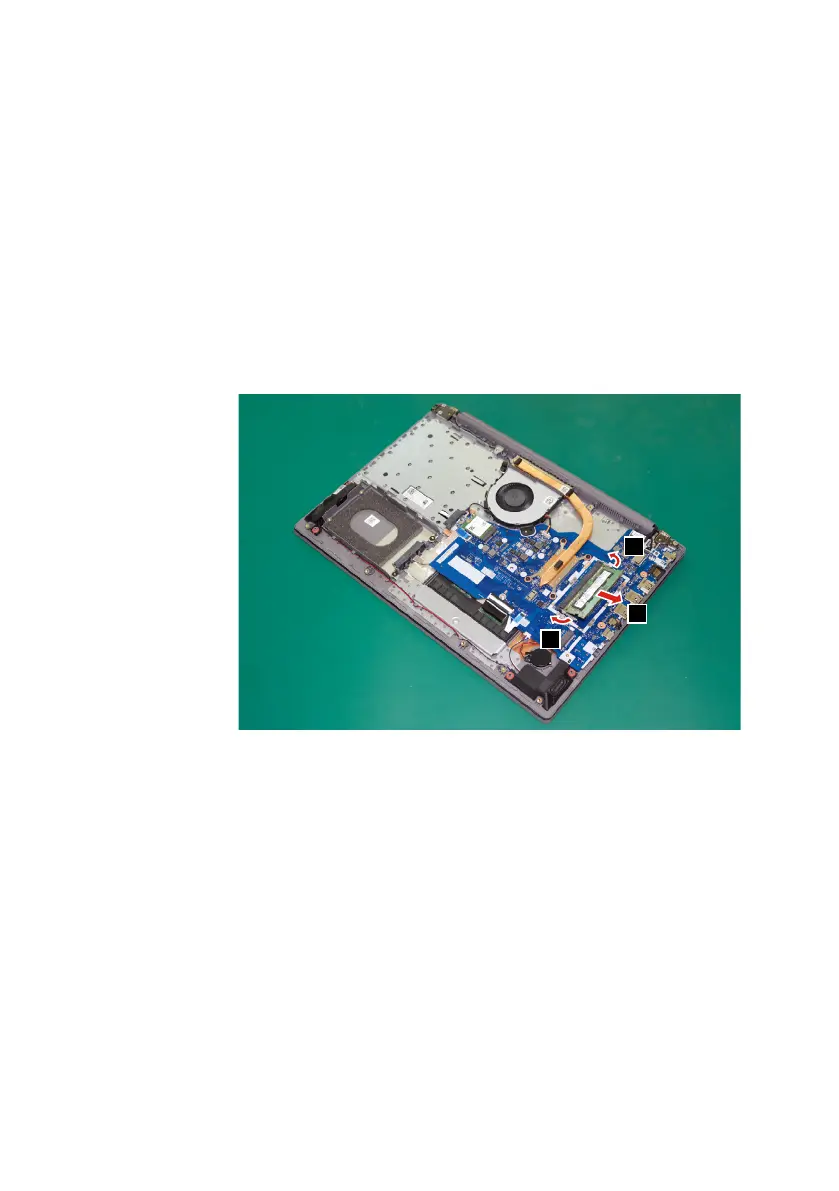
Step1: Releasethetwolatchesonbothedgesofthesocketatthesame
timeinthedirectionsshownbyarrows
1
.
Step2: UnplugtheDIMMinthedirectionshownbyarrow
2
.
1
1
2
Figure 12. Release the latches and unplug the DIMM



 To Next Page