37
Lenovo V340-17IWL
Note: Applying labels to the base cover
ThenewbasecoverFRUisshippedwithakitcontaininglabelsofseveral
kinds.Whenyoureplacethebasecover,youneedtoapplythefollowing
labels:
Thefollowinglabelsneedtobepeeledofromtheoldbasecoverandputon
thenewbasecover.
a
QRlabel
b
Intellabel/AMDlabel
c
VGAlabel
d
ESlabel
e
Palmrestlabel65×20mm
f
Ratinglabel66×24mm
g
RatinglabelforPrint43×24mm
h
Countrylabel
i
Adapterlabel65×20mm
j
WL/BTlabel35×15mm
k
OSlabel16×22.5mm
Forsomemodels,youalsoneedtoapplyoneortwoFCClabels.Checkthe
oldbasecover;ifithasoneortwoFCClabels,ndduplicatesoftheminthe
labelkitandapplythemtothenewbasecover.
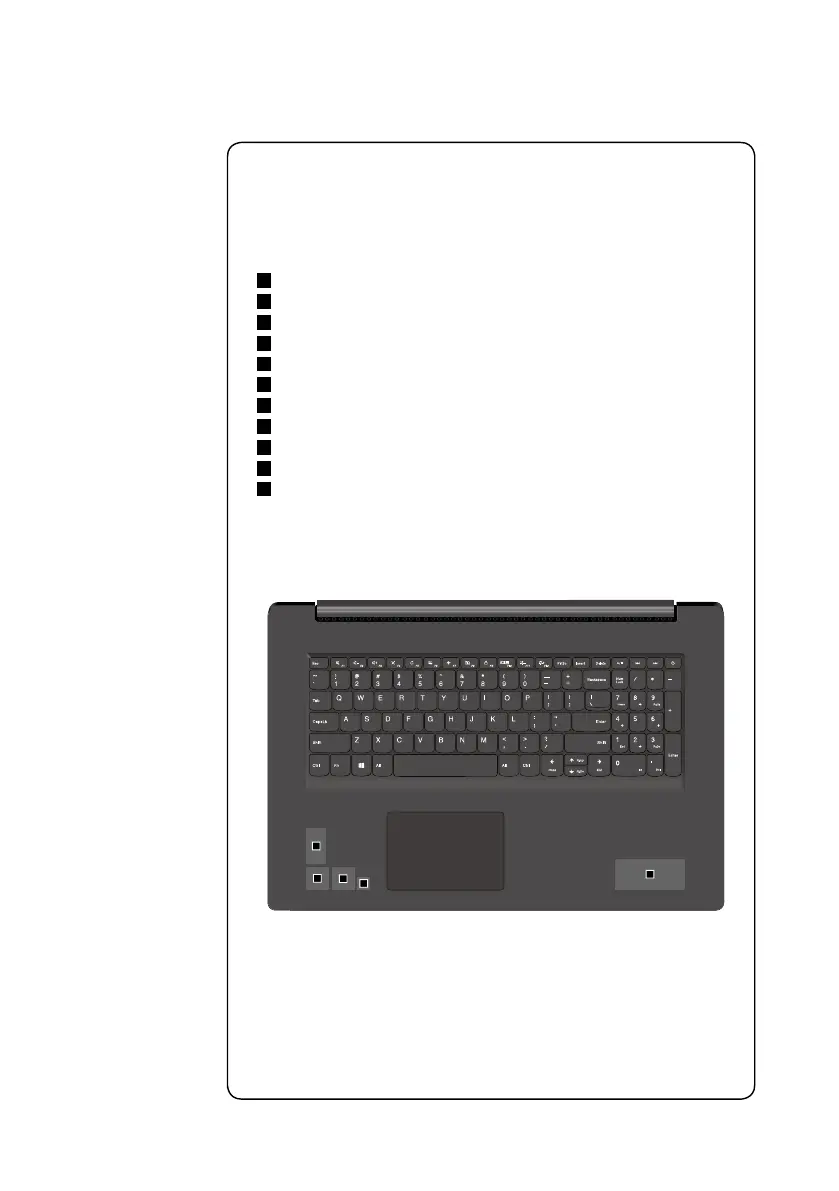
Forthelocationofeachlabel,refertothefollowinggures:
a
b
c
d
e



 To Next Page