47
Lenovo V340-17IWL
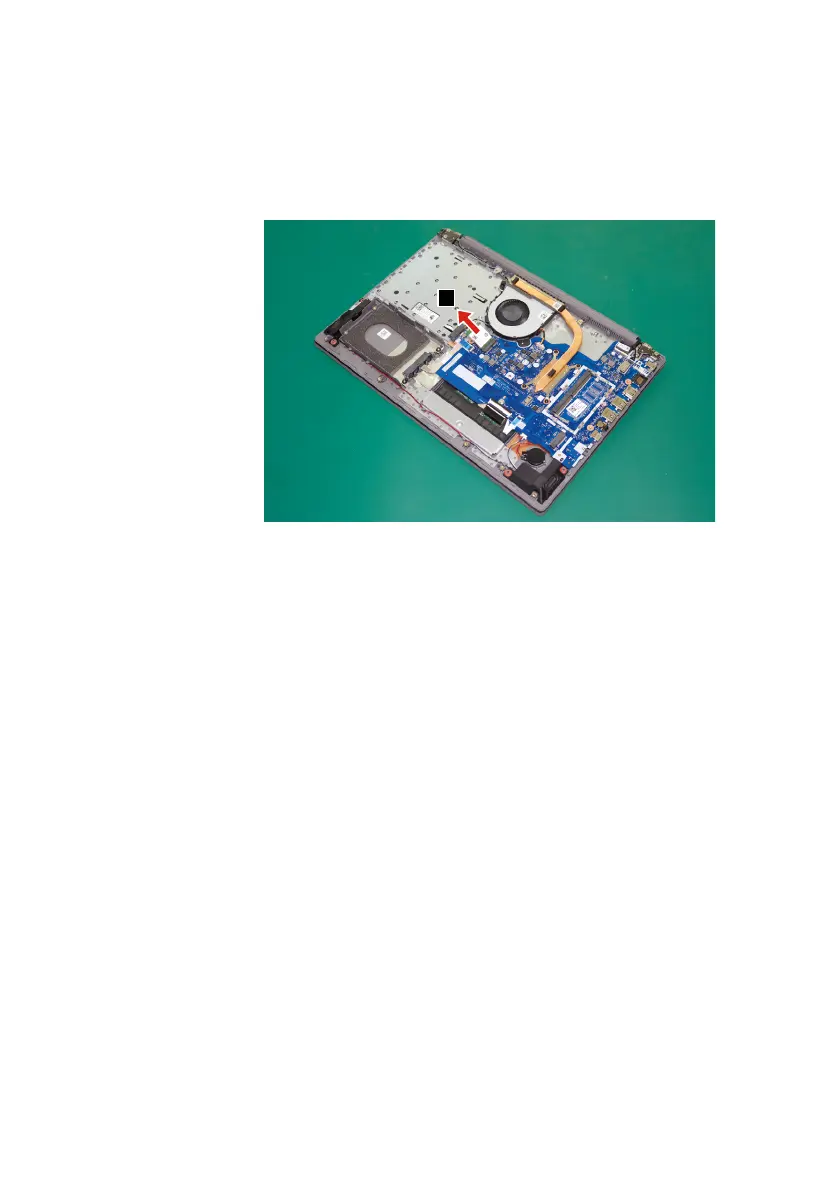
Step3: Removethecardinthedirectionshownbyarrow
3
.
3
Figure 14. Remove the PCI Express mini card
When installing:
• InmodelswithawirelessLAN cardthat hastwo antennaconnectors, plug
theblackcable(1st)(MAIN)intothejacklabeledMAIN,andthegreycable
(2nd)(AUX)intothejacklabeledAUXonthecard.
• InmodelswithawirelessLANcardthathasthreeantennaconnectors,plug
theblackcable(1st)(MAIN)intothejacklabeled1,thegreycable(3rd)into
thejacklabeled3,andthewhitecable(2nd)(AUX)intothejacklabeled2on
thecard.



 To Next Page