Device Search
Step 3:
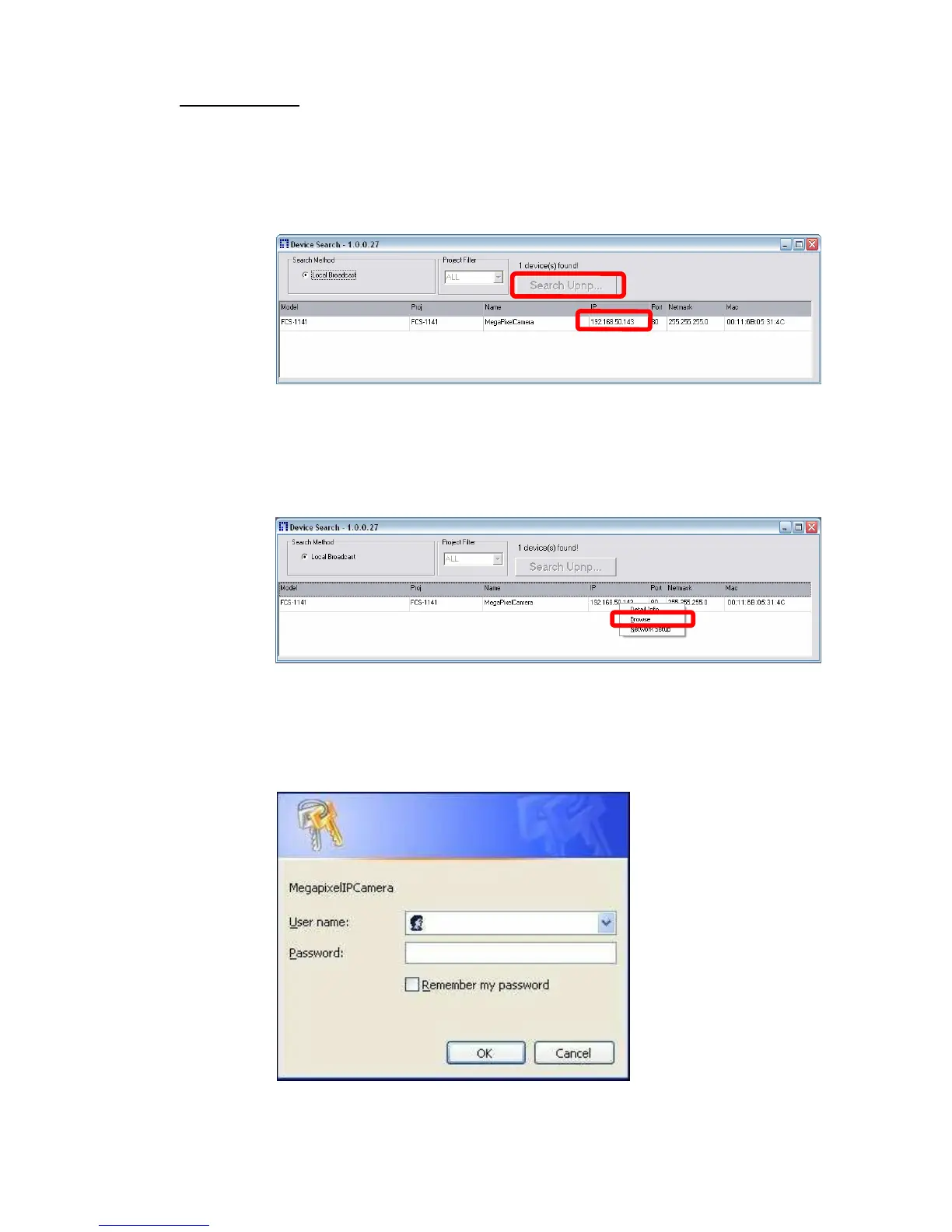
Click “Device Search” again, and all the finding IP devices will be listed in the
page, as shown in the figure below. The IP Camera’s default IP address is:
192.168.0.250.
Step 4:
Double click or right click and select “Browse” to access the camera
directly via
web browser.
Step 5:
Then the prompt window of request for entering default username and password
(as shown below) will appear for login to the IP Camera.















 To Next Page