v3 Read Username: Enter the v3 Read Username.
v3 Read-write Username: Enter the v3 Read-write Username.
v3 Password: Enter the v3 Password.
Reconfirm v3 Password: Re-enter v3 Password for verification.
v3 Passphrase: Enter the v3 Passphrase.
Reconfirm v3 Passphrase: Re-enter v3 Passphrase for verification.
Access control: Enable or disable SNMP access control.
Click on the Save Changes button to store and changes and then reboot the
device in order for the changes to take effect.
“Add” button to add entry to the access control table.
“Edit” button to edit current selection.
“Delete” button to edit current selection.
The default value for SNMP:
V2 Read Community: public
V2 Read-Write Community: Private
V3 Read Username: snmpv3rouser
V3 Read-Write Username: snmpv3rwuser
Password: snmpv3password
Passphrase: snmpv3passphrase
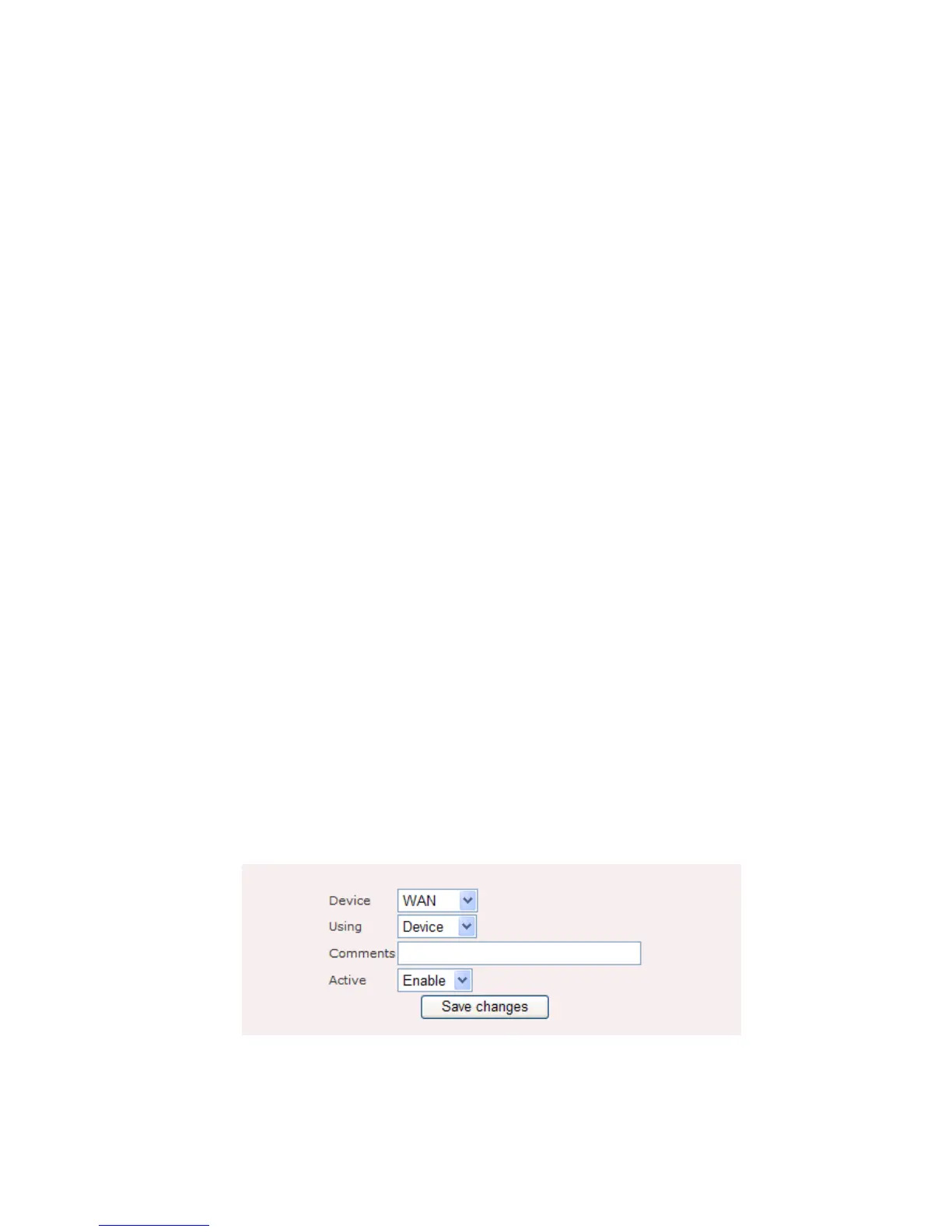
Figure 9.2.2 illustrates the access control configuration page for SNMP.
Figure 9.2.2: SNMP Access Control – add or edit page
SNMP Access Control: add or edit page contains the following parameters:















 To Next Page