Note: press ESC to exit the game.
Hangman
The default number of tries is 5; it can be selected from 4 to 9.
Use the key to increase the number of tries, or press the key to
decrease it. Then, press ENTER.
Guess the hidden word by keying in letters. Repeating a letter does
not reduce the number of tries.
If you correctly guess the word within the designated number of
tries. (e.g. input “r”).
Otherwise:
OPERATION DISPLAY
Hangman
Tries: 5
Hangman
Tries: 7
_ _ _ _ _ _
Hangman
Tries: 3
_ LOWER
Hangman
YOU WIN!
FLOWER
Hangman
YOU LOST!
FLOWER
Note:
• Press ESC to exit the game.
• The words selected by the unit are chosen in the current display language. You must change the current display
language setting to play the game with words chosen in another language.
CALENDAR MODE
You can use your MT1500 to save an appointment’s date (the default date is the same as the home time date), time
and description.
1. Press MENU then use the and keys to select “Organiser” and press ENTER.
2. Use the and keys to select “Calendar” and press ENTER to conrm.
3. To browse through the Calendar’s entries, use the and keys.
To add a new Calendar entry
1. Select the “Calendar” option and press ENTER.
2. Press ENTER again to edit the date. Use the and keys or the numeric keys to set the day, then press .
3. Use the same procedure to set the month and the year, then press ENTER.
4. Input a description and press ENTER to validate the entry. The message “STORED” is displayed on screen.
Note:
• Use the NUM key to toggle between character input and number input.
• To exit the mode without saving the entry, press the ESC key at any time. The screen will display “QUIT?”. Use the
and keys to select “Yes” and press ENTER. Or select “No” and press ENTER to resume adding the entry.
To edit a Calendar entry
1. Select the “Calendar” option and press ENTER.
2. Use the and keys to select the entry you want to edit and press ENTER.
3. Use the , , and keys to move the cursor to the desired position.
4. Use the BACKSPACE key to delete one character or number, then input the new data.
5. Press ENTER to conrm and save the changes.
Note:
• Use the NUM key to toggle between character input and number input.
• To exit the mode without saving the entry, press the ESC key at any time. The screen will display “QUIT?”. Use the
and keys to select “Yes” and press ENTER. Or select “No” and press ENTER to resume editing the entry.
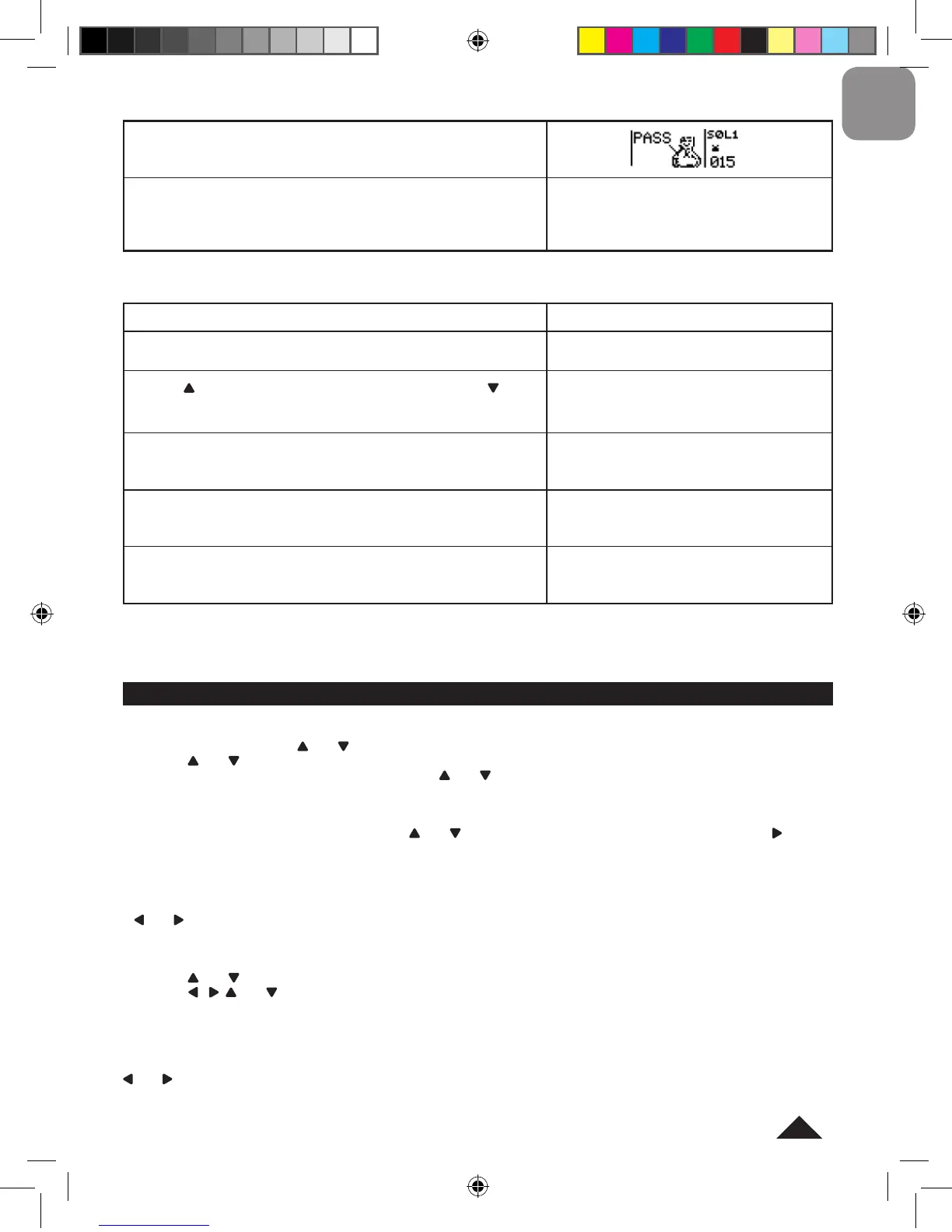
When all of the apples in one level are collected, “PASS” will be
displayed onscreen.
Press any key to begin the next level; the number of apples will
increase. After going through several levels, the snake’s speed will
increase. If you lose all your lives, the screen will display “GAME
OVER”. Press any key to start a new game.
GAME OVER!


 To Next Page
 Loading...