14
SuperSign Player
Password
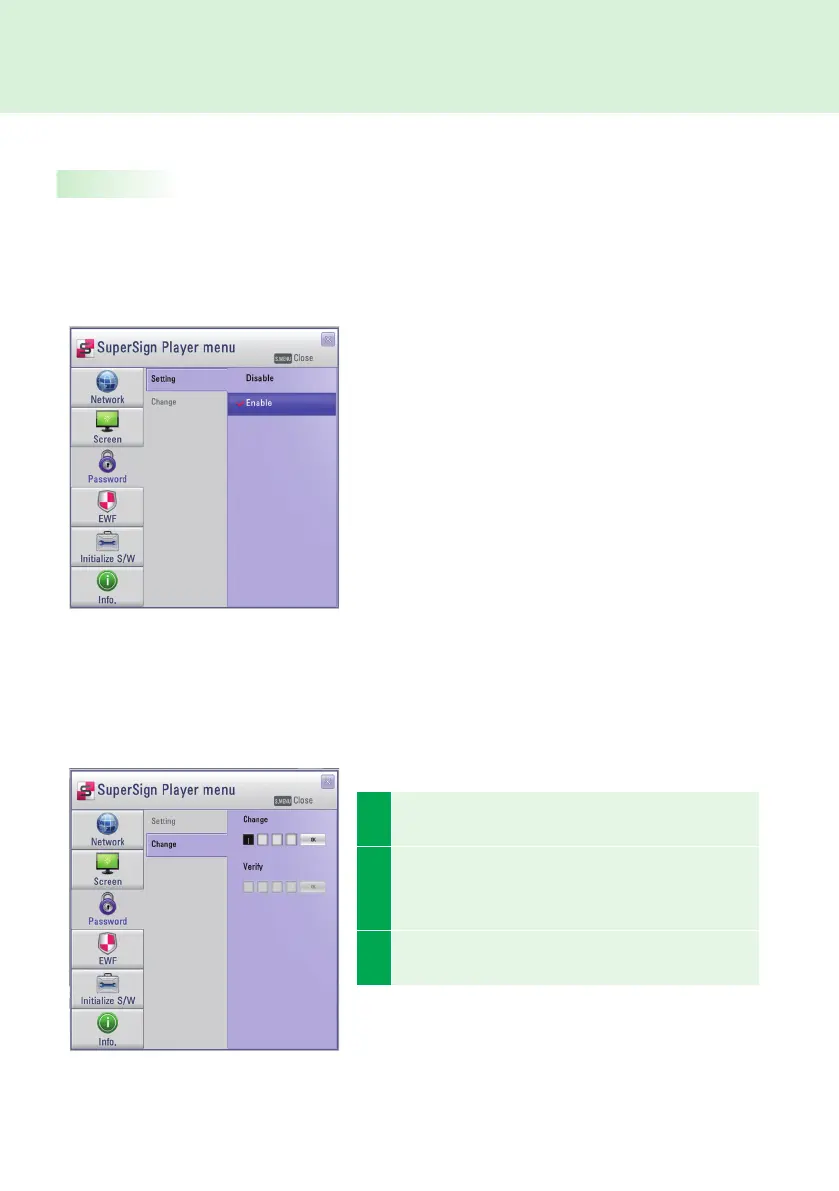
In Password menu, you can set a password to access the SuperSign Player Menus.
Password
You can choose whether you want to use a password when entering the SuperSign Player Menu.
Change
You can change the password required for the SuperSign Player Menu. The password should be a four-digit
number. You will then have to use your new password to launch the SuperSign Player Menu.
● If you select Enable, you must type in your password
to use the SuperSign Player Menu.
● If you select Disable, you can use the SuperSign
Player Menu without entering your password.
1
Enter a new password in Change menu and click OK.
The Verify menu will be activated.
2
In the Verify menu, re-enter the same password you
used in the Change menu. Save the change by click-
ing OK.
3
This will display the message:
"Your password has been changed."



 To Next Page