25
Installing the Program
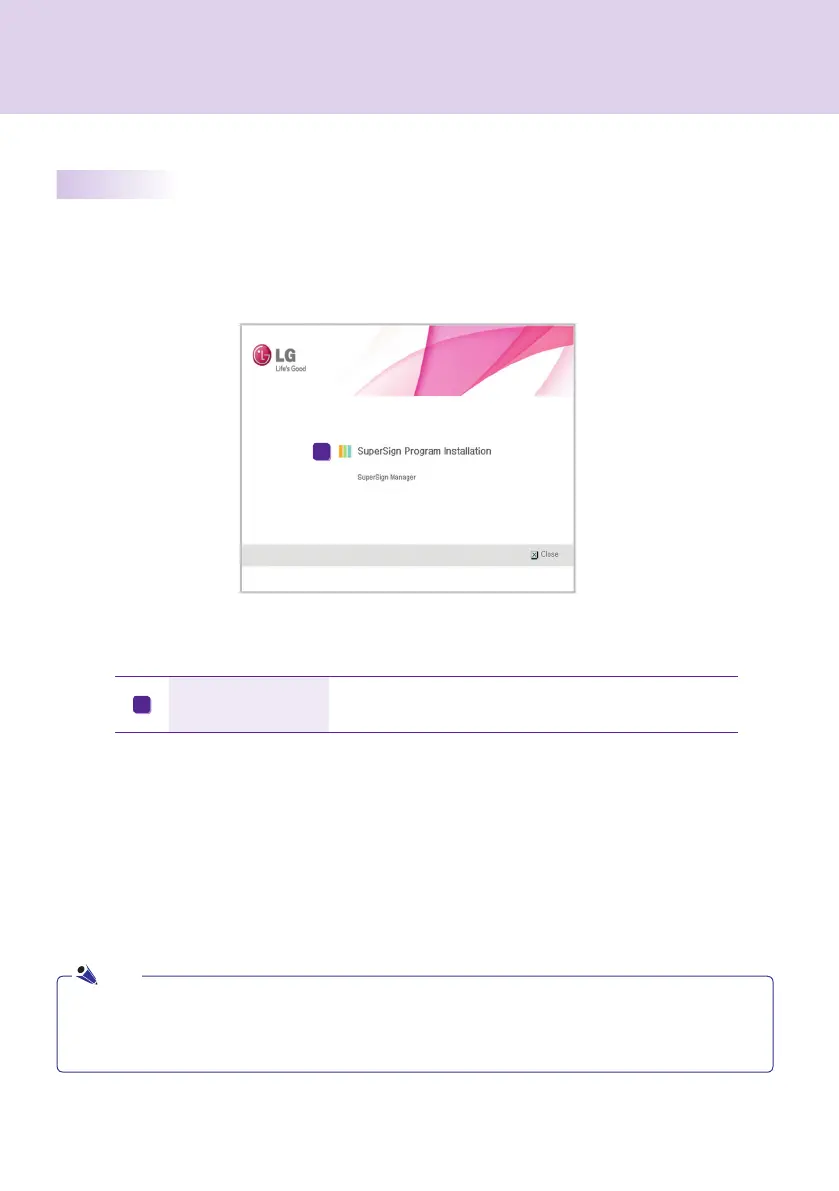
If you insert the installation CD provided in the package, the installation program runs automatically as shown
below.
SuperSign Program
Installation
Installation is initiated by clicking SuperSign Manager.
A
● If the installation program does not run automatically, open the window manually by double clicking the
file SupersignMgr_setup.exe in the CD-ROM drive: ₩SuperSign₩SuperSign_
Software₩Application₩SuperSign_Manager₩directory of the CD.
Note
SuperSign Manager
A



 To Next Page