72
4 Click Save to apply the change.
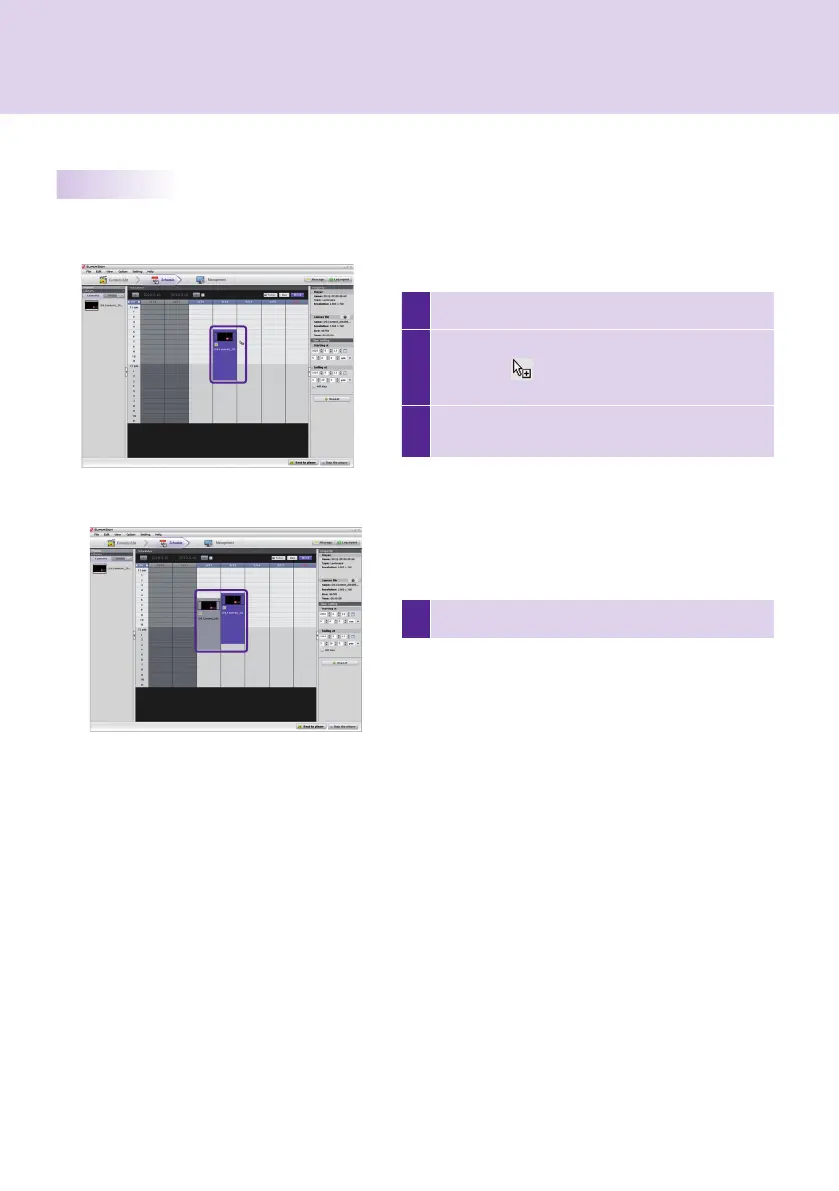
1 Select the schedule blocks you want to copy.
2
Press Ctrl + C to change the mouse pointer to the
copy icon ( ). Press Esc to turn the icon back to
the mouse pointer.
3
Click the point on the schedule table where you
want to paste the copied schedule.
SuperSign Manager
Copying Schedules
Schedules can be copied in order to re-use them.



 To Next Page