52
SuperSign Manager
Adding Clip Art
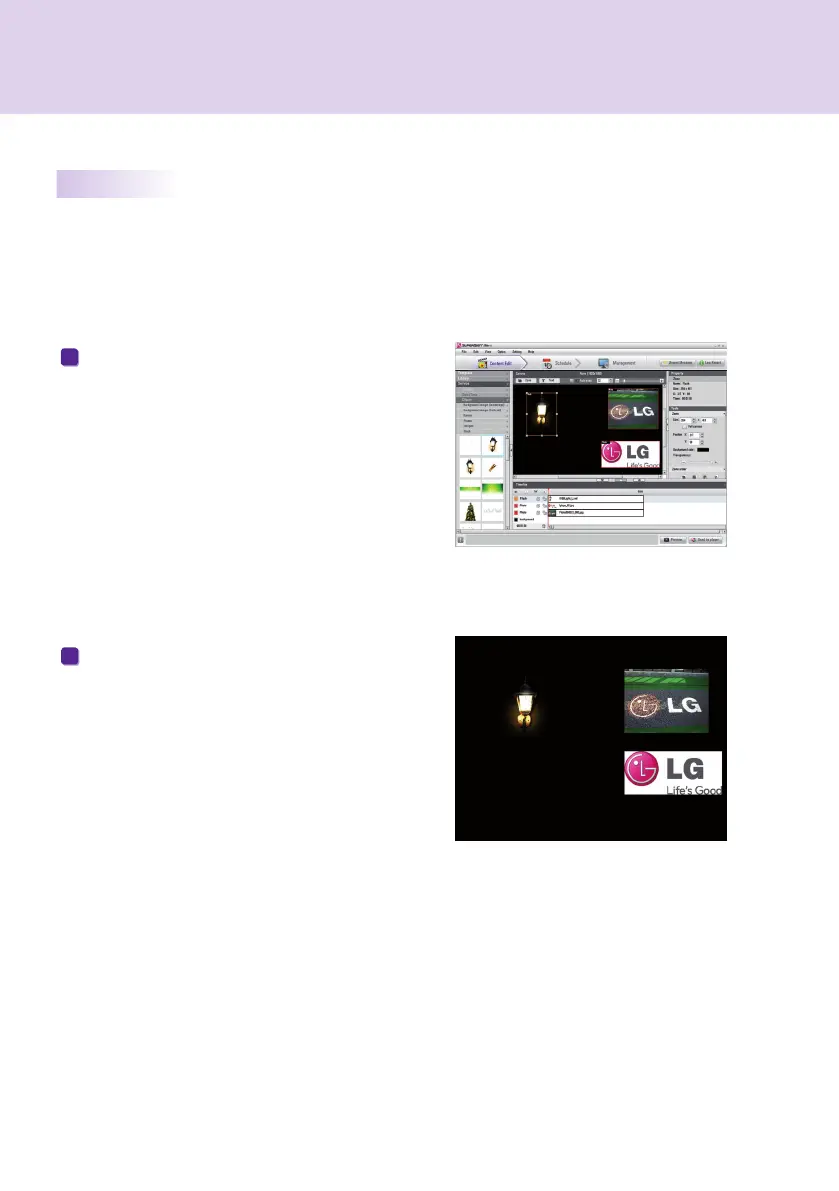
If you select a clip art category and drag the clip art
image to the canvas, the image is added to the clip art
zone of the canvas.
1
Place the clip art zone added to the desired location.
Click Preview from the quick menu at the bottom of
the screen. Then, the clip art zone is added as
shown in the picture.
2
Using Clip Art
You can use clip art to create more unique and creative content. Various categories of clip art (such as
background, banner, and Flash) are provided by SuperSign Manager by default.



 To Next Page