83
3
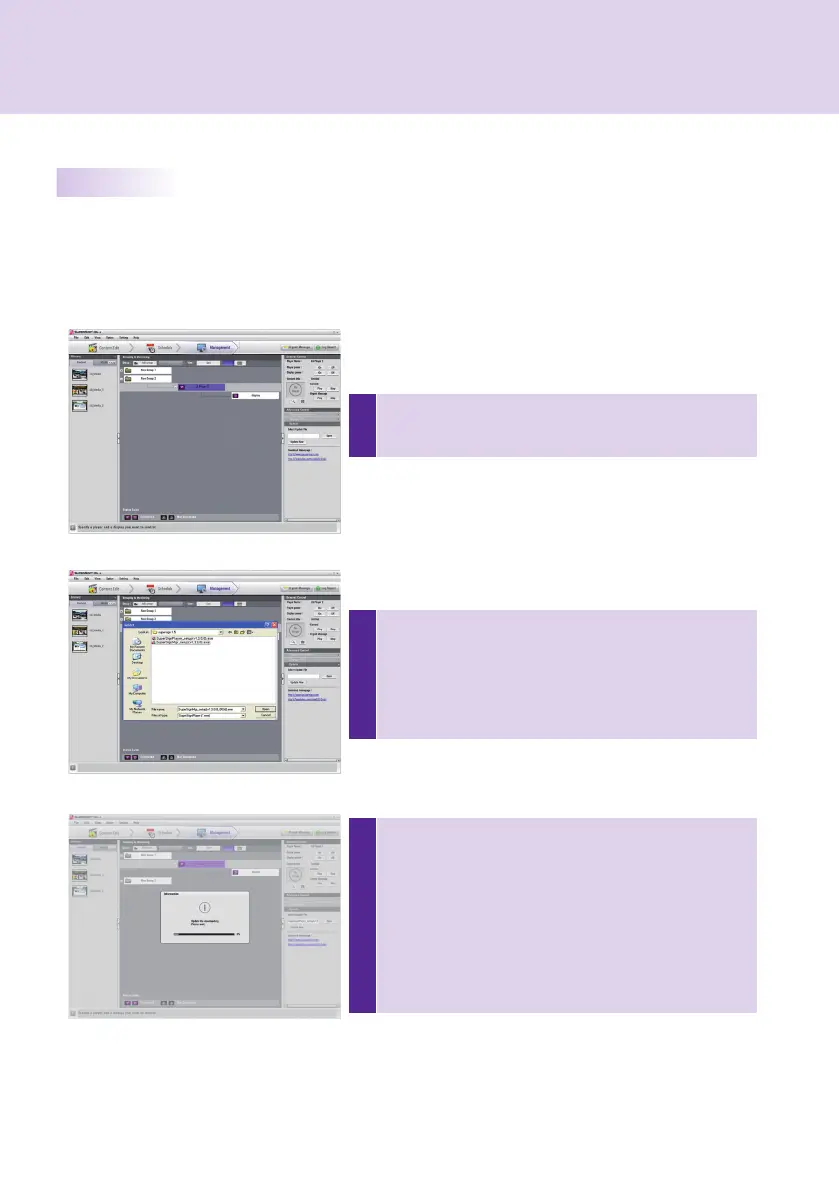
Press the [Update] button to perform the software update
of the selected player.
If the player is in the remote location, it will perform the
update with the selected update fi le and will restart auto-
matically when the update is complete. The manager and
the player will be disconnected during this process. The
connection will be reestablished when the rebooting of the
player is complete.
1
In the Grouping & Monitoring window, select the player to
be updated and select Update under Advanced Control.
SuperSign Manager
2
Click the [Open] button and select the update fi le down-
loaded from the SuperSign Support website.
* Support Website
- Worldwide: http://www.lgsupersign.com
- North America Only: http://lgsolutions.com/
Update Now
You can remotely update the SuperSign Player software.
The player settings which the user entered will not change.
Other Features



 To Next Page