39
Changing Templates
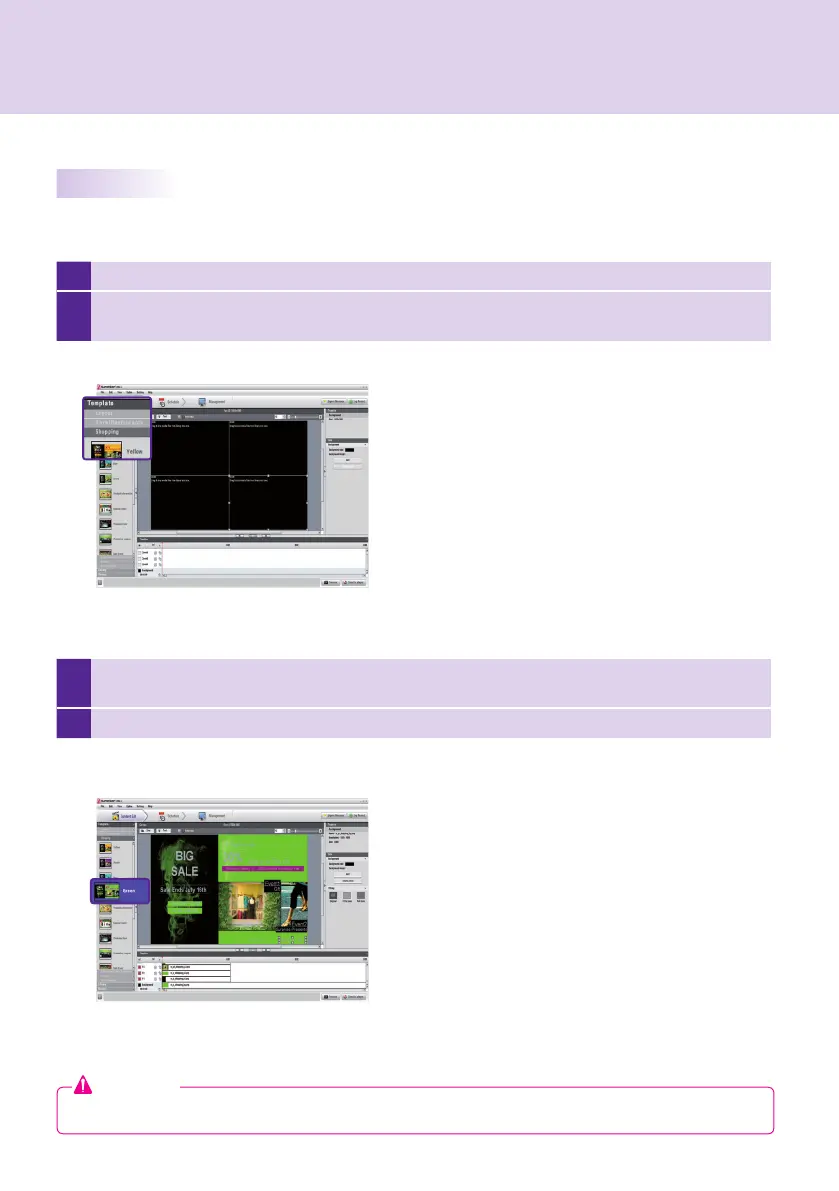
1 Click on Template in the left part of the SuperSign Manager screen.
2
This will display the templates registered in the media library under different categories. The categories
include bar/restaurant, shopping, and public organizations.
3
Double-click on a new template. This example explains how to change an existing template to a
shopping mall template (double-click shopping).
4 The selected template will appear on the canvas.
As with layouts, you can change templates to suit your needs.
Attention
● If you change the template, the content you are editing will be lost. Save content before changing the template.
SuperSign Manager



 To Next Page