74
SuperSign Manager
Previewing the Schedule
● You can also cancel transferring the schedule and content while transferring them. If the transferring of
the content is canceled, it cannot be resumed and must be restarted from the beginning.
● The content that has not been transferred completely will not be played.
When the connection to the target player (or group) to distribute the schedule is lost, the following message
appears.
Then, the scheduled distribution is canceled.
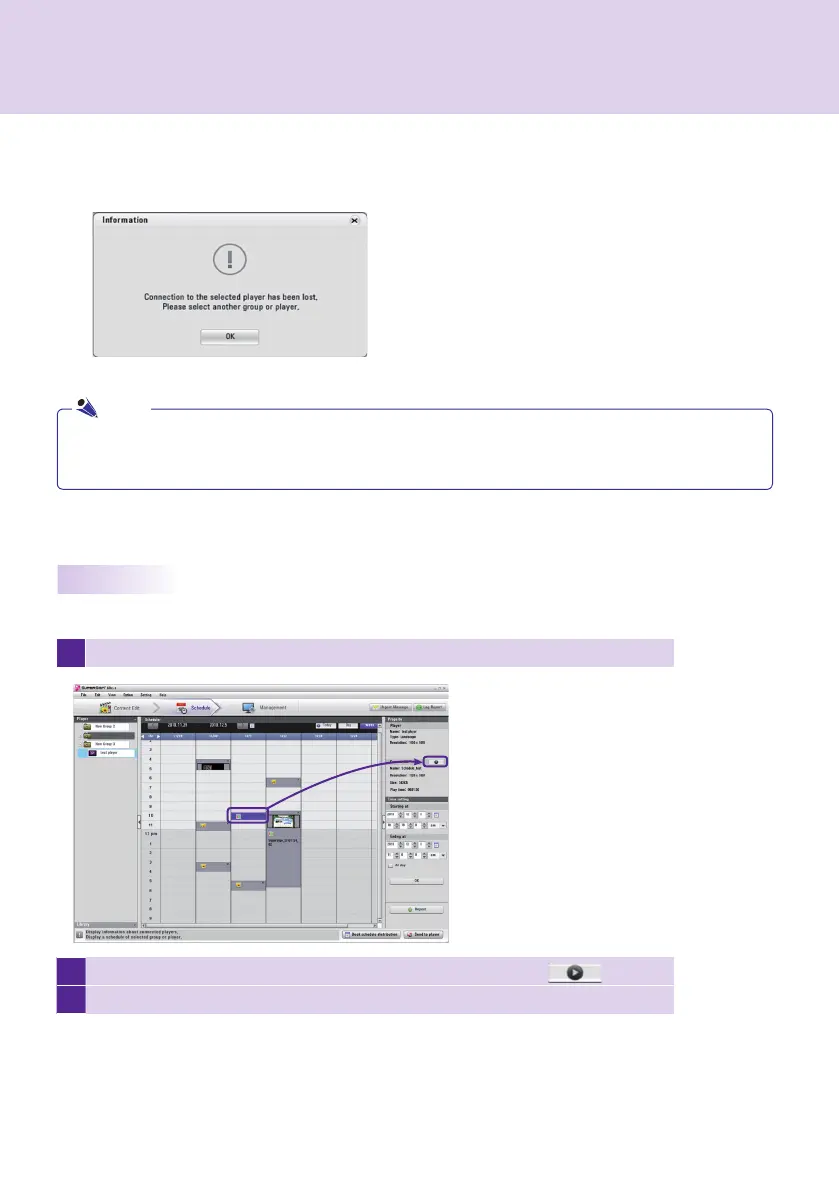
You can preview the content in the Scheduler before distributing its schedule.
1
In the Scheduler, select the content you want to preview.
2
In the Property area at the right of the screen, click the preview button ( ) .
3
The selected content will be played on the monitor.
Note



 To Next Page