15
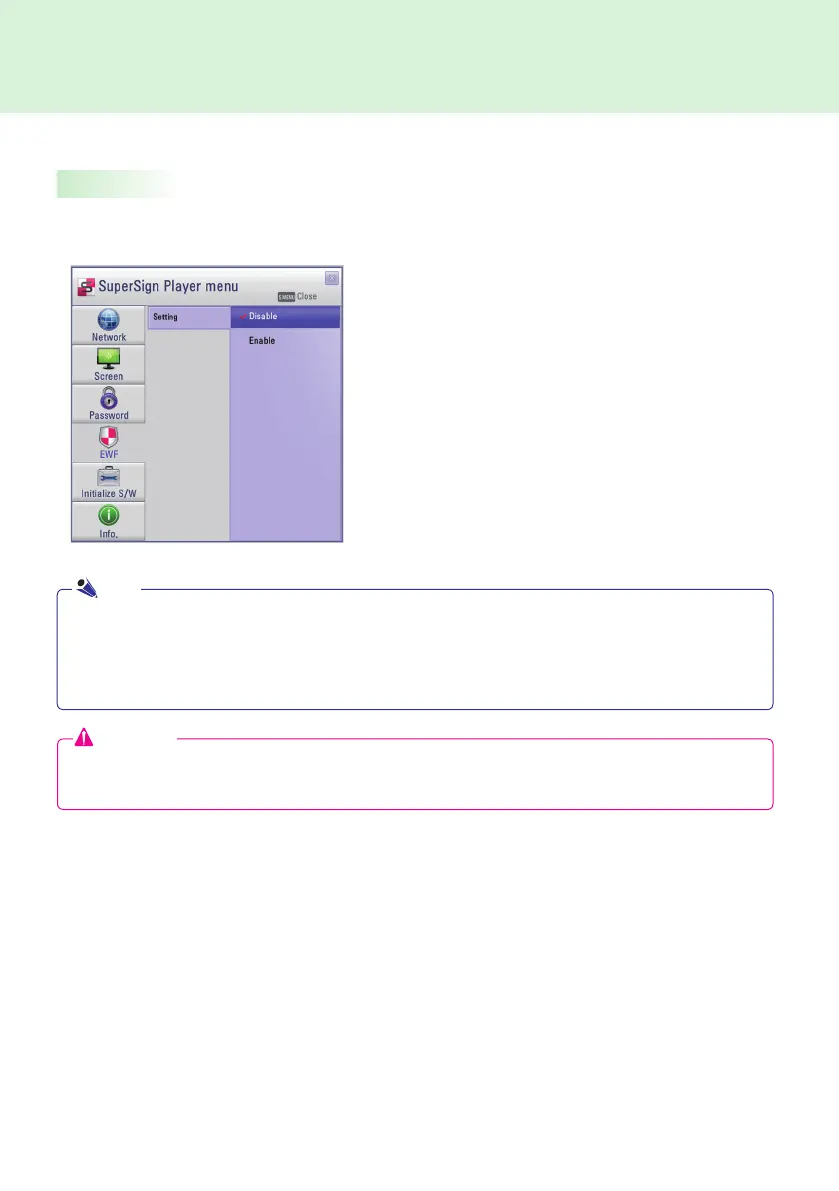
EWF
SuperSign Player
In the EWF menu, you can select whether you want to use the Enhanced Write Filter feature of Microsoft
Windows Embedded Standard.
● EWF protects against viruses that can destroy the
product's fi le system.
● If EWF is set to Enable, you cannot add, delete, or
change the data stored in the C drive of the Media
Player.
● You must set EWF to Disable when you install a new
program in the Media Player.
● With EWF enabled, new programs cannot be installed.
● To apply the change to EWF, restart your system.
Attention
With EWF enabled, new data will be deleted if you reboot the machine even though you saved the data on
the C drive. If you want to keep new date, save it on the D drive.
● For more information on EWF, visit the Microsoft website.
● Settings of the <SuperSign Player Menu> such as network and screen settings and the EWF password
are not deleted, because they are not controlled by EWF functions.
● It takes about five seconds to two minutes for the IP and EWF setting changes to be applied.
Note



 To Next Page