30
3
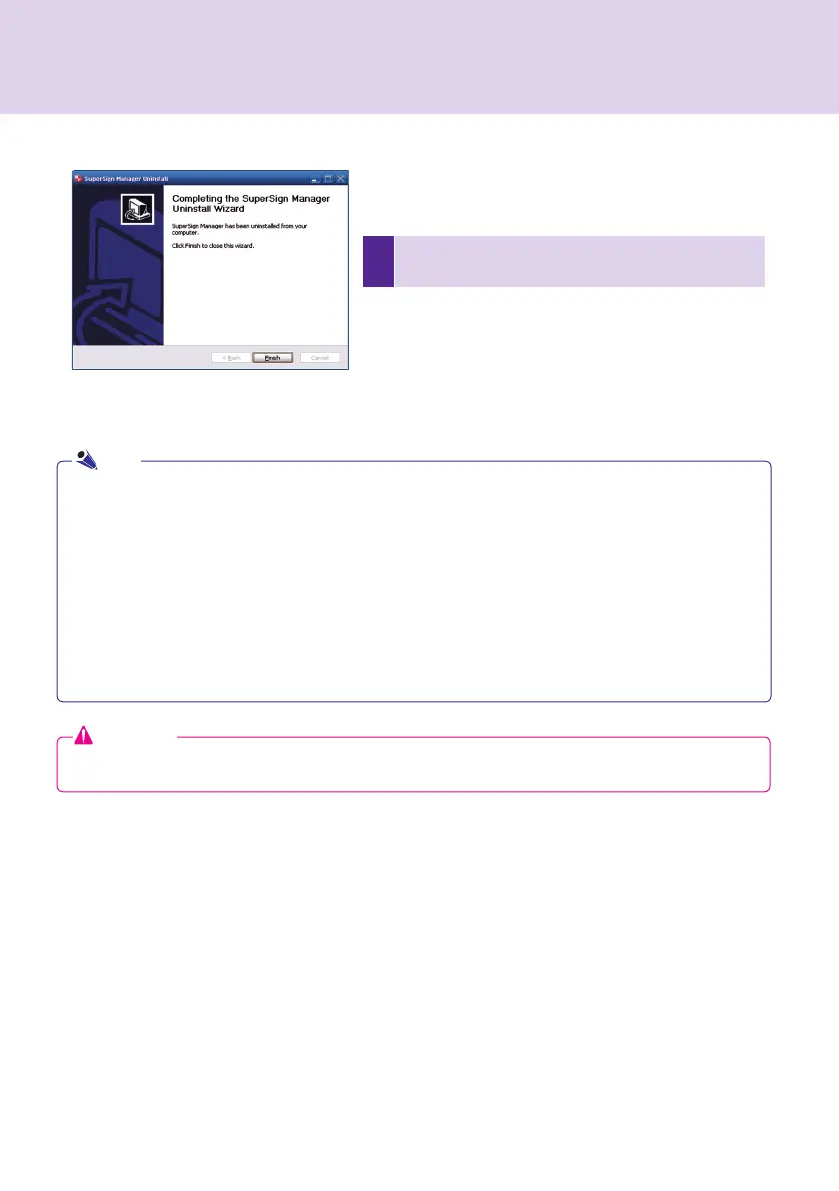
After SuperSign Manager un-installation is complete,
click Finish to exit the un-installation.
● SuperSign Manager can be uninstalled by using Add or Remove Programs in Control Panel.
1. Windows XP, Windows 2003 Server
Select SuperSign Manager in Start > Settings > Control Panel > Add or Remove Programs, click
Remove.
2. Windows 7
Select SuperSign Manager in Start > Settings > Control Panel > Programs > Uninstall or change a
program, click Remove.
Attention
● All data created by the user will be deleted when the program is uninstalled.
Note
SuperSign Manager



 To Next Page