42
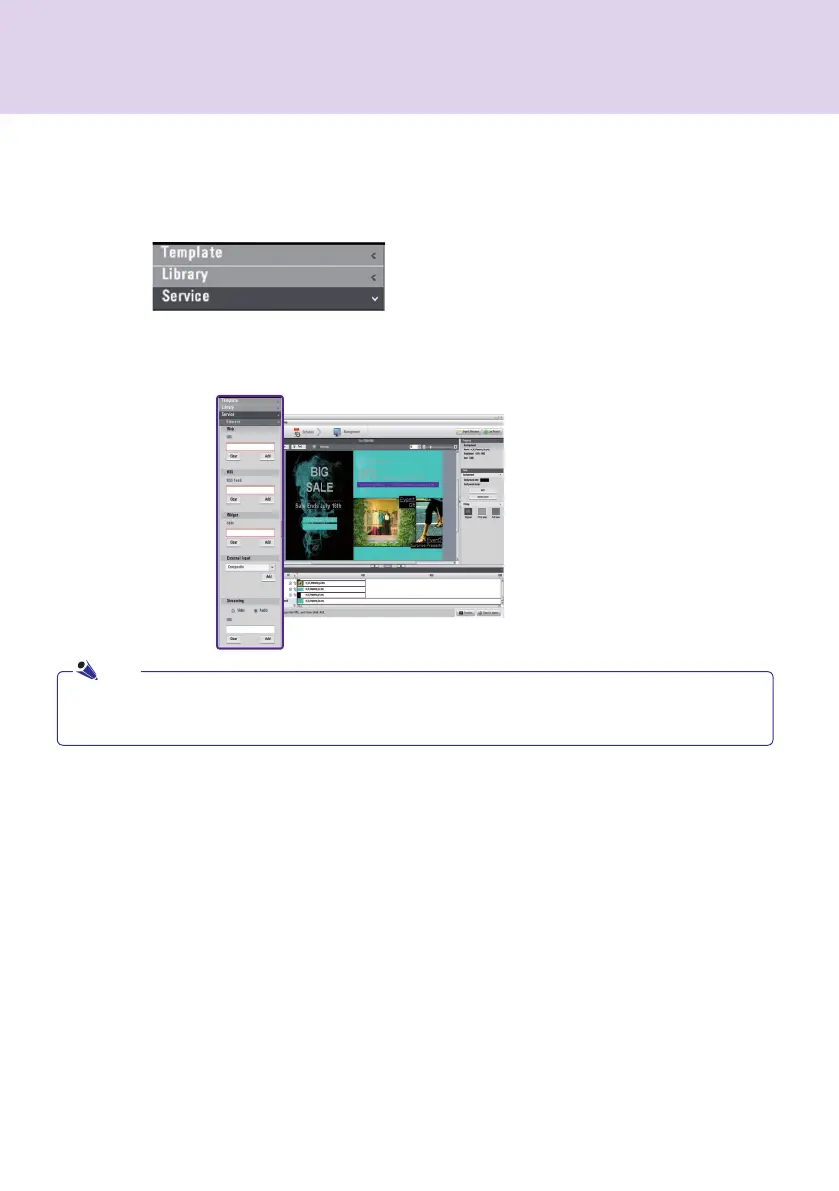
Click Library > Service on the media window to launch the menu for adding content as shown below.
● Service contents cannot be saved together with media files in the library.
● For details on adding content, refer to the Creating Content section of this manual.
Add Service Contents
You can use SuperSign Manager to add online content such as websites, RSS feeds, and widgets, as well as
their date and time.
SuperSign Manager
Note



 To Next Page