54
SuperSign Manager
You can use the [Auto snap] function to align the selected zone with the adjacent zones automatically.
Zone Alignment
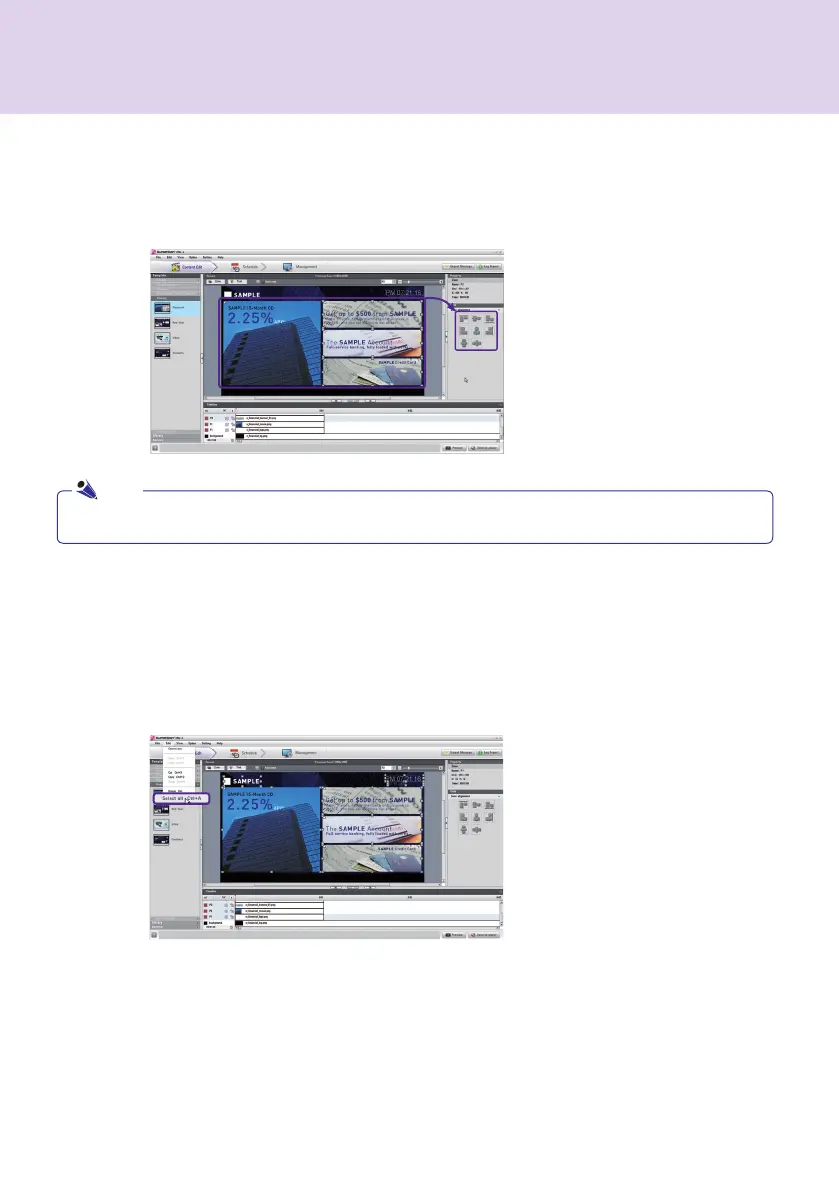
You can insert zones and align objects in the canvas. To align objects, press and hold the Ctrl key and select the
zones to align. Then, select the alignment format you want in Zone alignment under Tools.
Selecting Zones
The canvas allows you to select multiple zones or all zones at once. To select multiple zones, press and hold Ctrl
and select the zones you want.
To select all objects in the canvas at once, press Ctrl + A or click Edit > Select all as shown below.
Synchronizing the Timeline and Zone Order
The zone order set for the canvas always corresponds to the playback order of the zones displayed in the
timeline. If you change the playback order of the zones in the timeline, the playback order of the zones in the
canvas will also be changed. Thus, the zone displayed at the top of the timeline is the one displayed at the top of
the canvas.
Note



 To Next Page