81
SuperSign Manager
Remote Control of the Player/Display Power
You can remotely power on or off the player and/or display connected to SuperSign Manager.
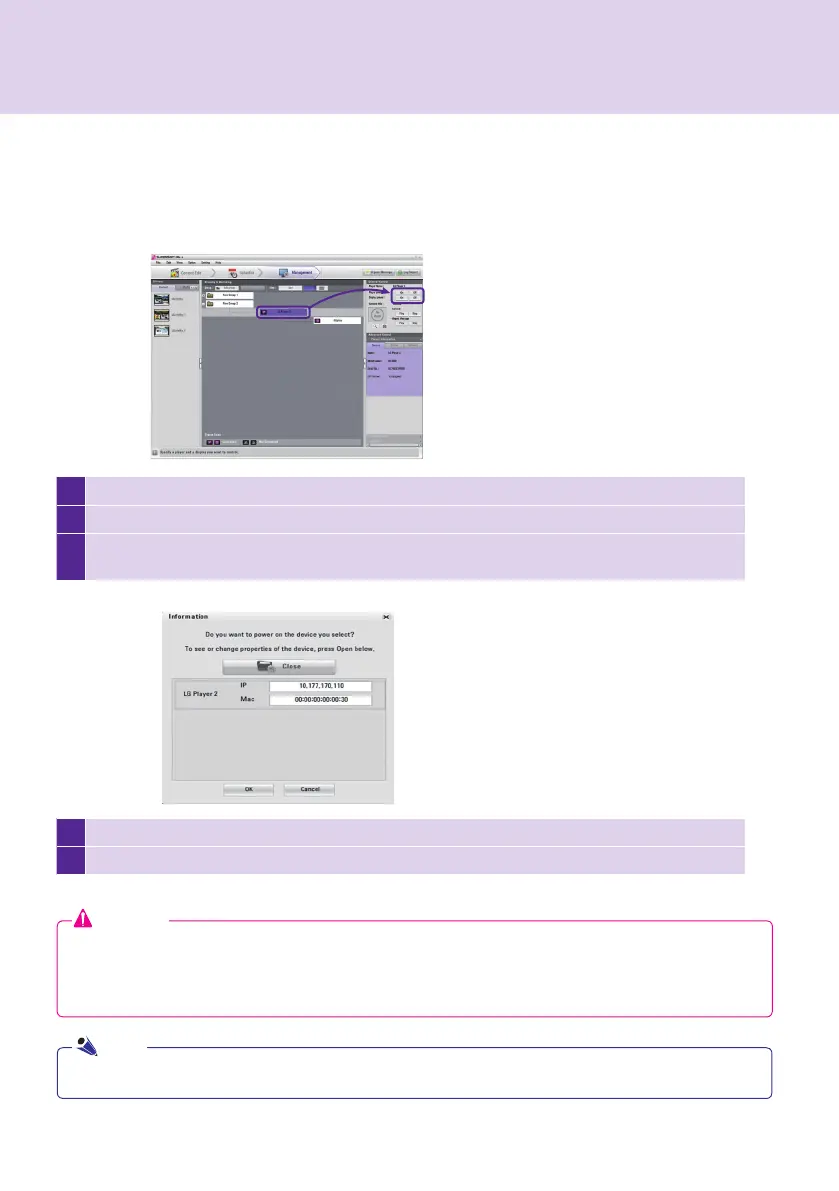
The following shows the steps to remotely power on the player.
1
Select the player to power on.
2
Click On as shown above.
3
The Information window appears and shows the information of the selected player. In the window,
click Open to view the selected player's information.
4
You can change the IP address or MAC address of the selected player.
5
In the window, click OK to power on the selected player.
If you select a group, you can control the power of all players and displays in the group at once.
Note
Attention
● The remote power control may not function depending on your network environment. Contact the network
administrator for further assistance.
● The remote power control will not function if the player and the manager are connected through the
Internet and the IP address of the player is set to private.



 To Next Page