12
• When the operation condition is not Smart Care, the
standby status is displayed as below.
NOTE
• The Smart Care may not be displayed/run in some
products.
• The Smart Care only runs when the product is cooling or
heating.
• You may feel that cooling or heating are weak due to the
power saving operation of the Smart Care.
• Set the date and time precisely for the remote control and
the central controller when installing the AI engine.
• If you do not set the date and time, it may display an
incorrect result value.
• The site connected to our central controller prioritizes
the date and time settings of the central controller above
those of the wired remote control.
• If a model for both cooling/heating, the Smart Care is
not available during simultaneous cooling and heating
operation.
⑧
Wind Direction
You can conveniently control the airow direction as you
wish.
In the residential (US), you can select ⑤ advanced function
and set them.
NOTE
• Some airflow directions may not be available depending
on the product functions.
⑨
Start / Stop Button
You can turn on / off the indoor unit with the remote
controller.
⑩
Floating Button
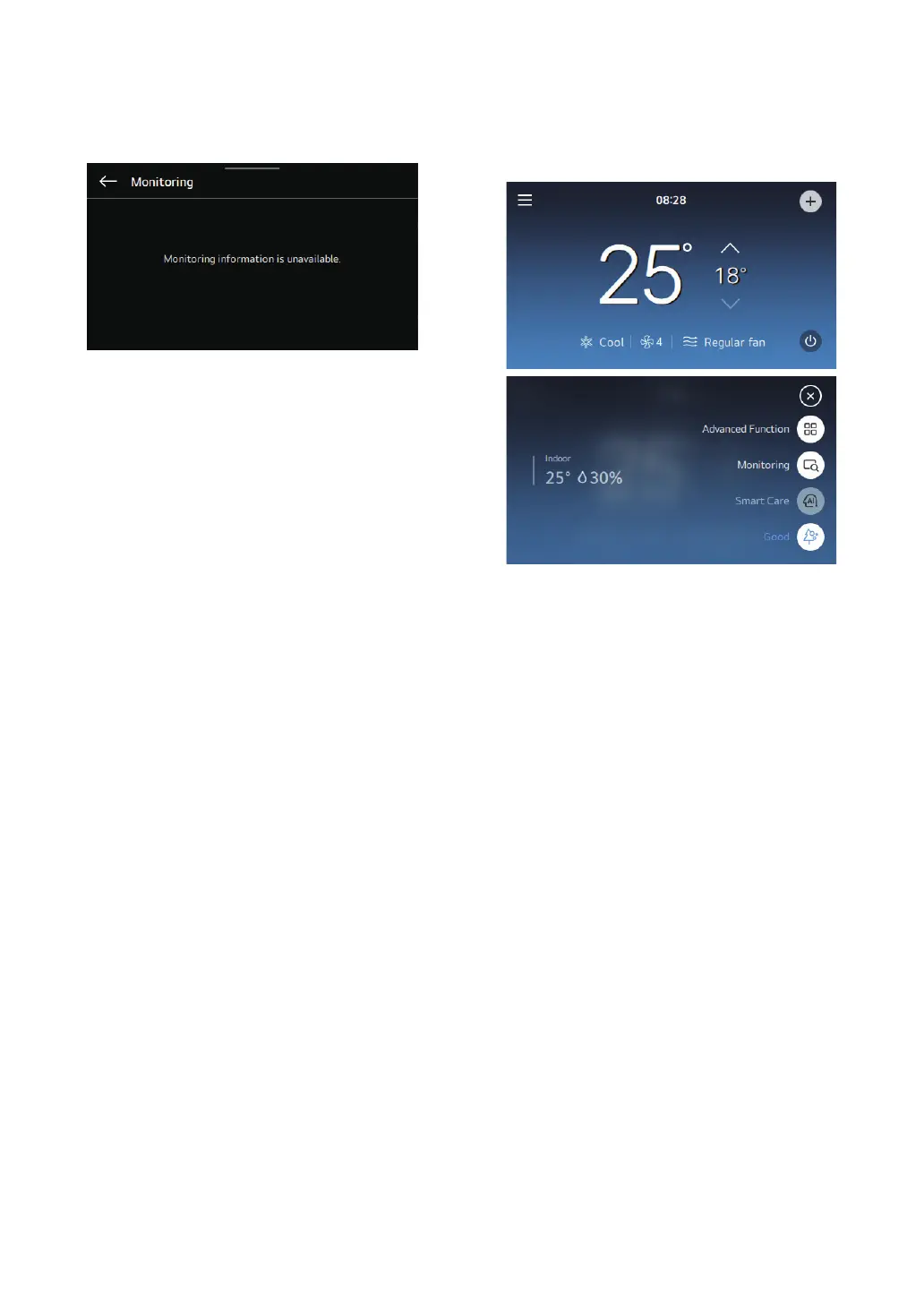
Select the oating icon to enter the additional functions,
monitoring, Smart Care, and indoor air quality menus.
⑪
Current Time
Displays current time.
⑫
Schedule Status
Displays the status of the currently operating schedule.



 To Next Page