08
NOTE
• If you do not complete the installation wizard, the
installation wizard will run every time you boot it.
• After completing the installation wizard, you can check
it in “Setup → Service → Installation Wizard”. However,
the “Schedule Type” cannot be reset when the installation
wizard is complete. (The “Schedule Type” can be reset
when “Setup → Installer Setup → Factory Data Reset”.)
• Refer to the general settings and schedule page for
detailed setup instructions.
• Even if you turn off the power and then turn on it, the
booting may require up to 90 sec.
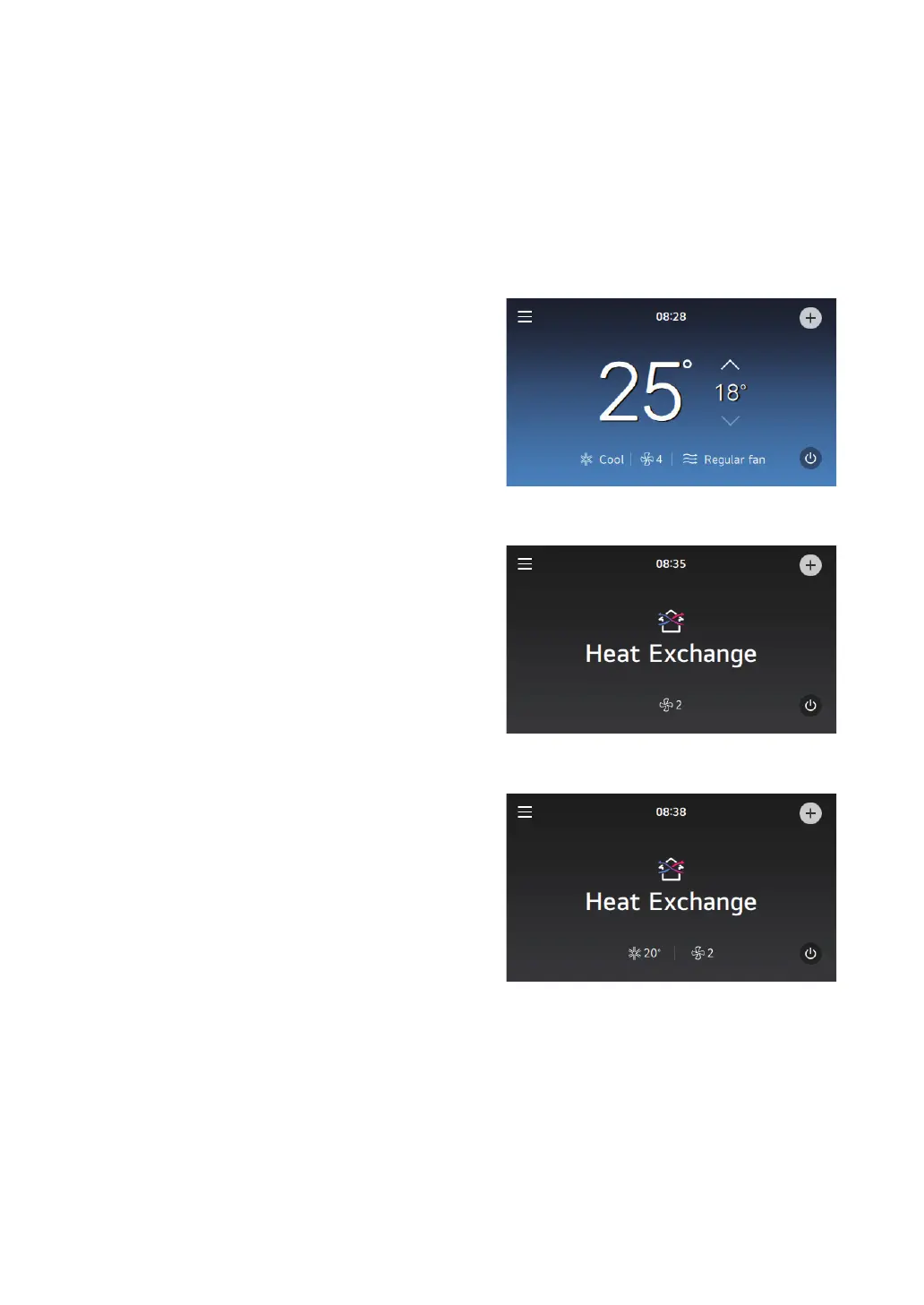
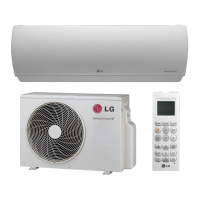
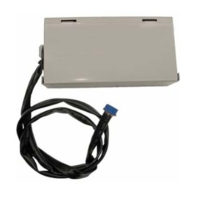
View Screen
The wired remote controller displays the following screens
in accordance with the schedule method set in the
installation wizard and the connected indoor unit.
Commercial (Standard) Setting
1
Air Conditioner
2
General Ventilation
3
DX Ventilation



 To Next Page