27
MONITORING
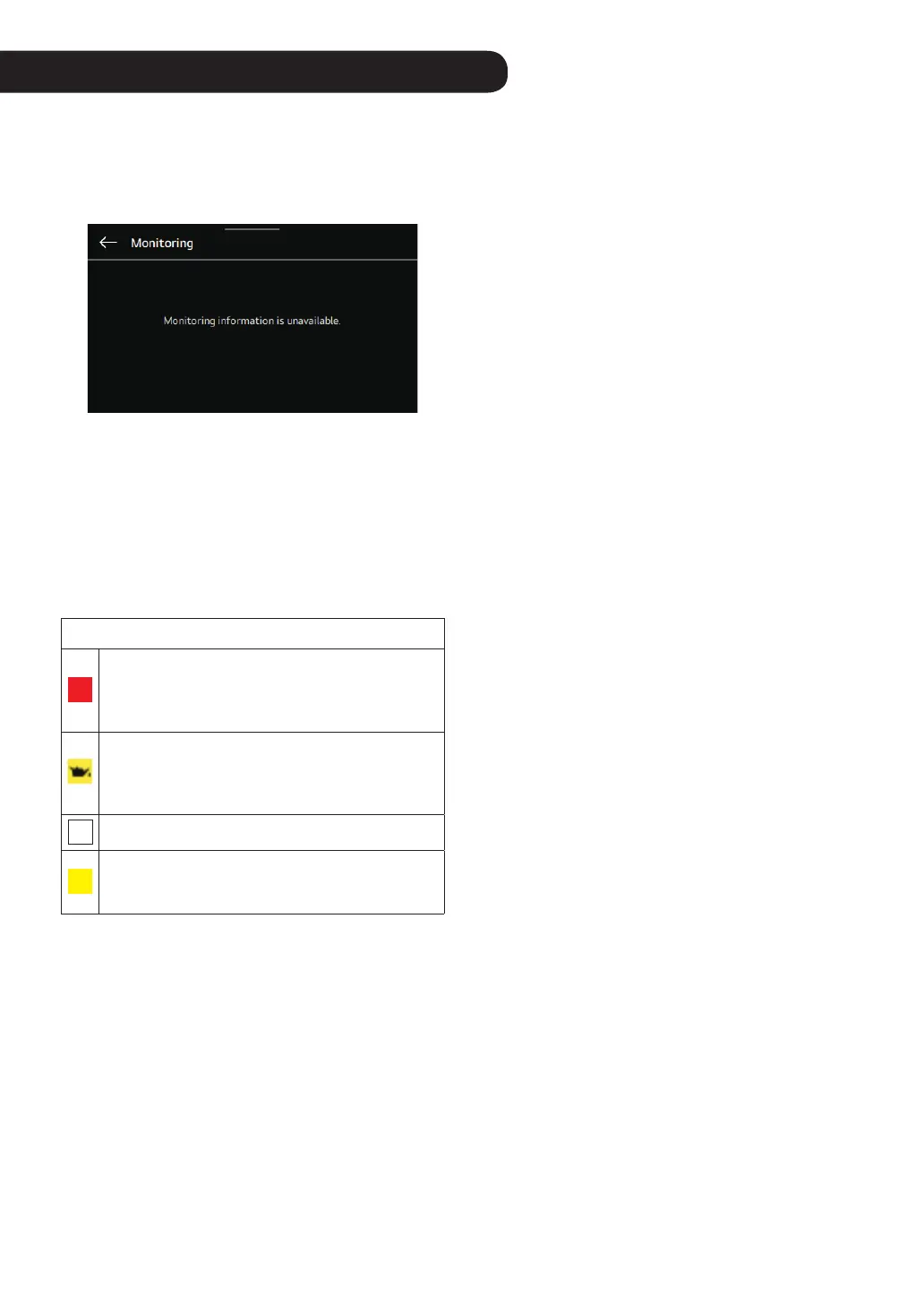
In the menu screen, select the monitoring item and move to
the monitoring screen.
In the center of the monitoring screen, the product
operation status is displayed.
NOTE
• The main information that can affect the product operation
is displayed on the left lower end of the home screen.
• The warning icons related to CO
2
, oil change, Uvnano
operation, and errors are displayed on the left lower end
of the home screen.
• UVnano is a compound word of “UV (ultraviolet rays)” and
“nanometer (a unit of length)”.
Description of the Icon
CO
2
A notication that the CO
2
density is too high.
When the ventilation product is connected, this is
displayed when the CO
2
concentration is around
940 ppm or higher.
GHP outdoor unit engine oil replacement
notication. Displayed when 10 000 hours of
accumulated operation time of GHP outdoor unit
have elapsed.
UV
Displayed when the UV UVnano function is working.
UV
Displayed when repair is needed during the Uvnano
function. If the UV alarm is displayed, contact LG
Electronics Service Center for repair.



 To Next Page