23
Display Schedule Status
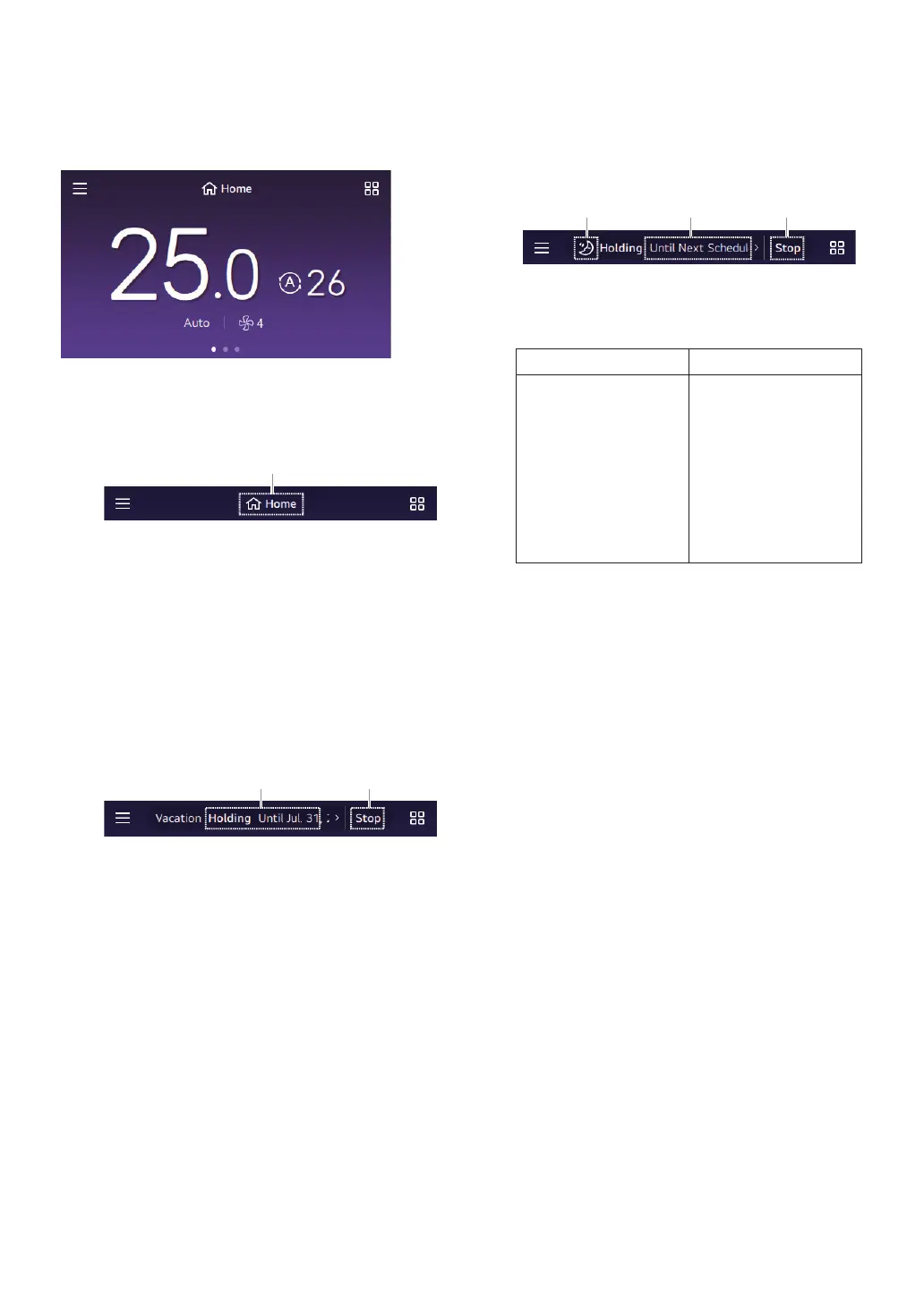
You can check the schedule status on the Main Screen.
1
Default Schedule
Displays the currently operating schedule mode.
① Select if you want to change the schedule mode.
NOTE
If you select a different schedule mode, it operates
according to said schedule mode’s operation information.
2
Holiday Schedule
If the holiday schedule is operating, it displays
Holiday.
① Displays the end date of the holiday schedule.
② Select to end the holiday schedule.
NOTE
The default schedule starts once the holiday schedule
ends.
3
Schedule Hold (Temporary Schedule)
The currently operating schedule is paused and
another operation mode temporarily operates.
① Displays the type of schedule hold.
② Displays the duration of the schedule hold function.
Select to set the time.
Function Name Option
Schedule Holding Time
Next Schedule,
30 minutes,
1 Hour,
1 Hour 30 minutes,
2 Hour,
2 Hour 30 minutes,
3 Hour,
4 Hour,
Permanently
③ Select to release the schedule hold.
NOTE
If any one of the four items (mode / set temp / reservation
mode / ow rate) is changed, the schedule hold function
starts.
The type of schedule hold is determined by the changed
item.
The operation time of schedule hold is based on the set
time in the current time of the remote controller.
The holding function is maintained until the next registered
schedule starts.
If you want to change the holding time, select the time in
schedule hold.



 To Next Page