Section 4. Using the computer software
4-11
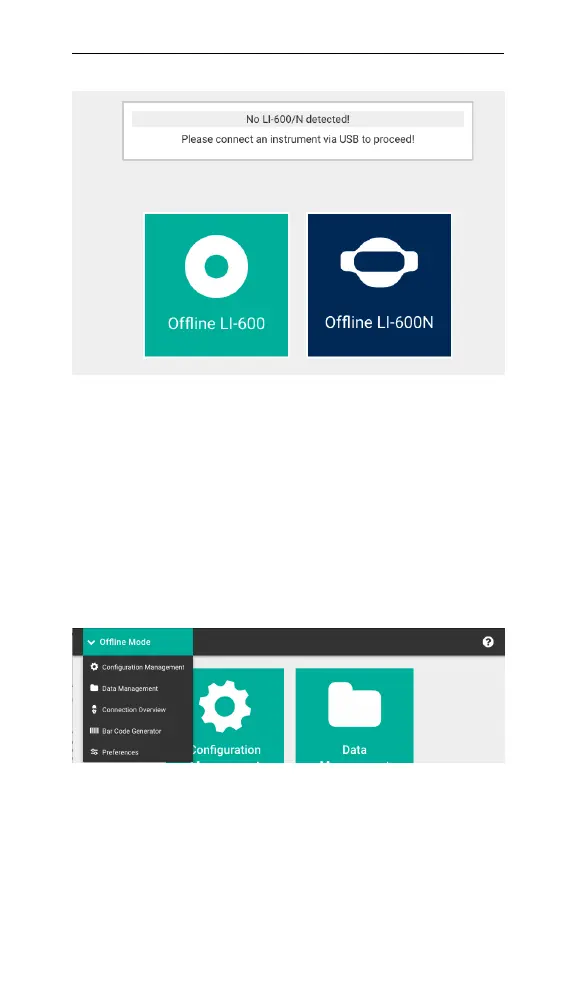
Figure 4-8. The Connection Overview screen in offline
mode.
After you select an instrument, you're taken to the Off-
line Mode Home screen. The drop-down menu includes
access to Configuration Management, Data Man-
agement, Connection Overview, Barcode Generator, and
Preferences. If you have both an LI-600 and an LI-600N
and want to switch instruments, go back to Connection
Overview.
Figure 4-9. Offline Mode drop-down menu.
When an LI-600 or LI-600N is not connected to the soft-
ware, you can create and edit configurations locally,
manage data that's been downloaded from the instru-
ment, manage preferences, and create barcodes. The



 To Next Page