LI-600 Porometer/Fluorometer Instruction Manual
4-12
functionality of these features is the same as when an
instrument is connected, with the exceptions of not
being able to upload configurations, download data, or
view live measurements.
Barcode generator
The LI-600 computer software can generate custom bar-
codes for use with the LI-600 barcode scanner.
From the home screen of the LI-600 computer software,
select Bar Code Generator.
Barcode generator screen
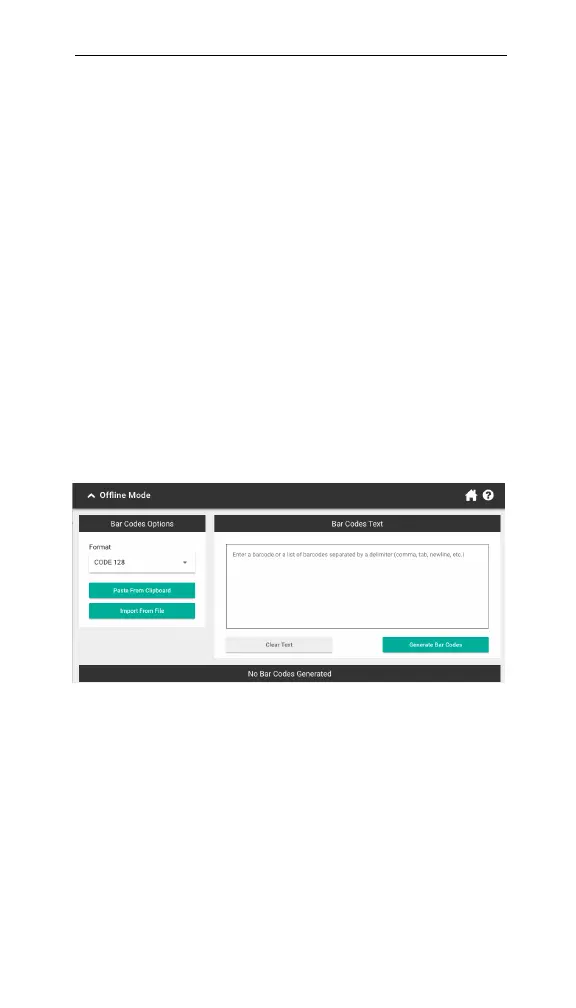
The barcode generator screen includes options for bar-
code format, importing and pasting text, and the bar-
codes text area.
Figure 4-10. The barcode generator screen.
Barcodes Text: Type, paste, or import delimited text
into this field. Each barcode is limited to 31 characters.
Format: Choose fromCODE128 or QRCODE.



 To Next Page