Section 7. Troubleshooting
7-3
Software warning when connecting the LI-600
If the computer software displays a warning message
when connecting the LI-600, the firmware version or
computer software version may require updates.
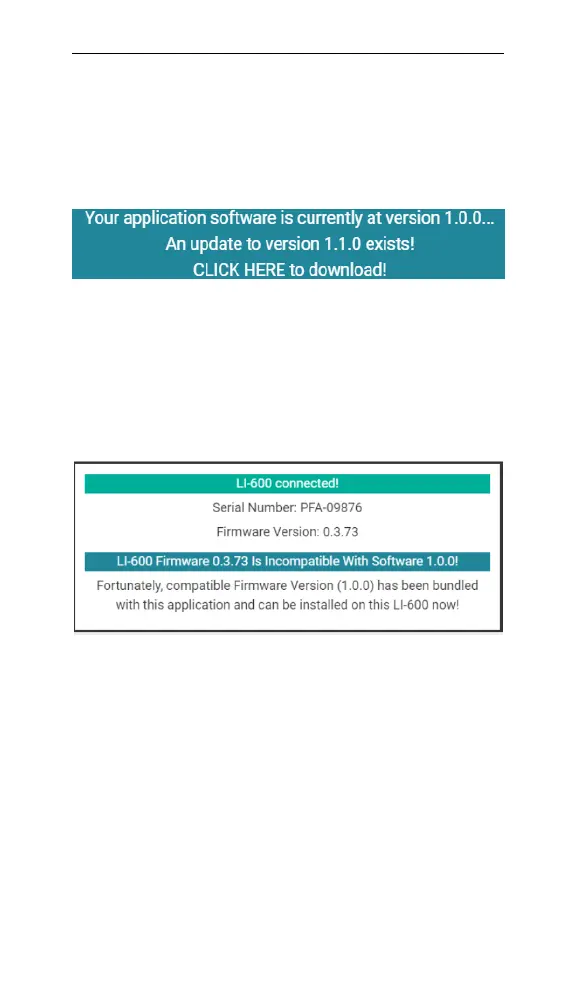
Figure 7-1. A software upgrade is available..
Your application software is currently at version...": An
updated version of the LI-600 computer software is avail-
able for download. CLICK HERE to download! to
update the computer software and proceed to LI-600 con-
nected!.
Figure 7-2. A firmware update is available.
LI-600 Firmware Is Incompatible With Software!: An
LI-600 is powered on and has been discovered by the
computer software via USB, but the instrument firm-
ware is incompatible with the computer software. Select
Install Bundled Firmware to update the firmware and
proceed to the LI-600 connected! screen. Select Offline
Mode to access the Configuration Management, Data
Management, and Connection Overview menus without
updating the firmware.



 To Next Page