LI-600 Porometer/Fluorometer Instruction Manual
8-6
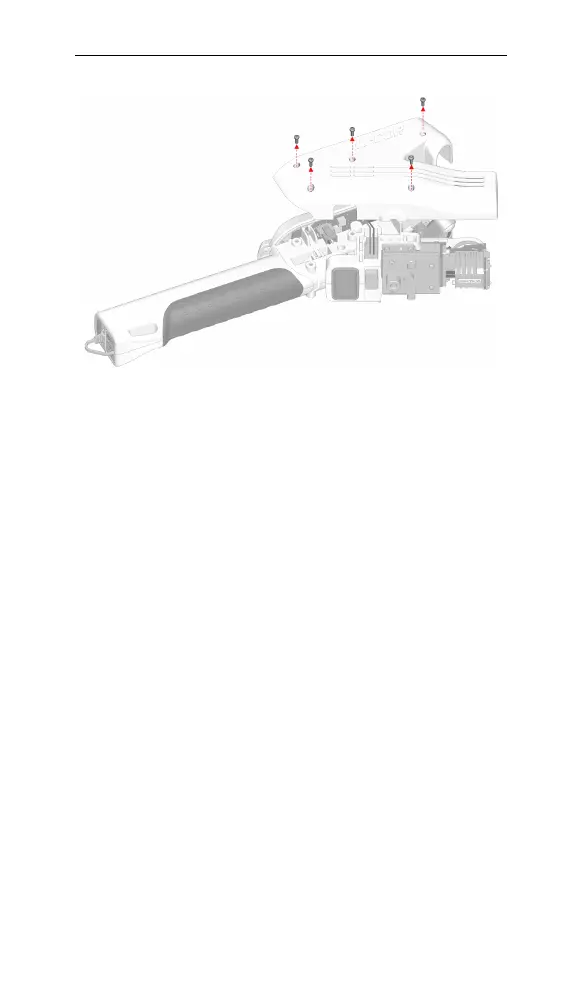
Figure 8-6. Remove the shell on the right side.
Clean the vents on the shells.
Check that the four vents on the instrument head shells
are clean. With the shells removed, use compressed air
to carefully clean the vents and other enclosure parts.
To put the instrument head shells back on the instru-
ment, reverse the removal steps.
Cleaning the RH sensors
Regularly check that the RH sensors are clean, for
example after a campaign, before extended storage, or if
a shift in ambient RH is noted.
1 Use a squeeze bottle with deionized (DI) water to carefully
rinse the RH sensors.
Do not touch the active side of the sensors with your
fingers or a swab. Do not use IPA.
2 Dry them with compressed air, then bake them for 6 hours at
100 to 120 °C.



 To Next Page